
FREE TEMPLATES
Free resume templates to download as a PDF
Choose from 57 resume designs, from understated to creative, in 12 colors and 8 fonts. Seven are free forever, and 50 more come with the Pro plan. You fill them in online, download them as a PDF with real text and can publish any of them as your own personal website.
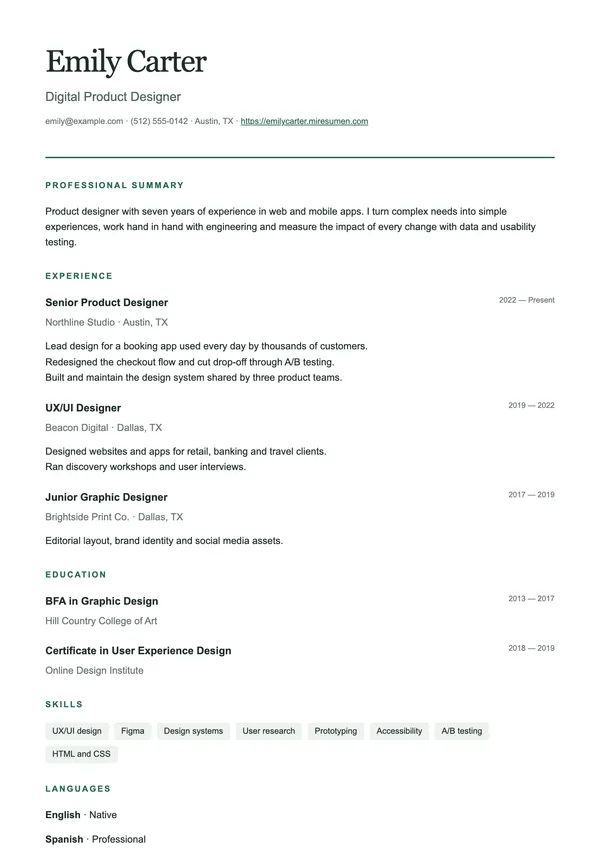 Use this design ↗
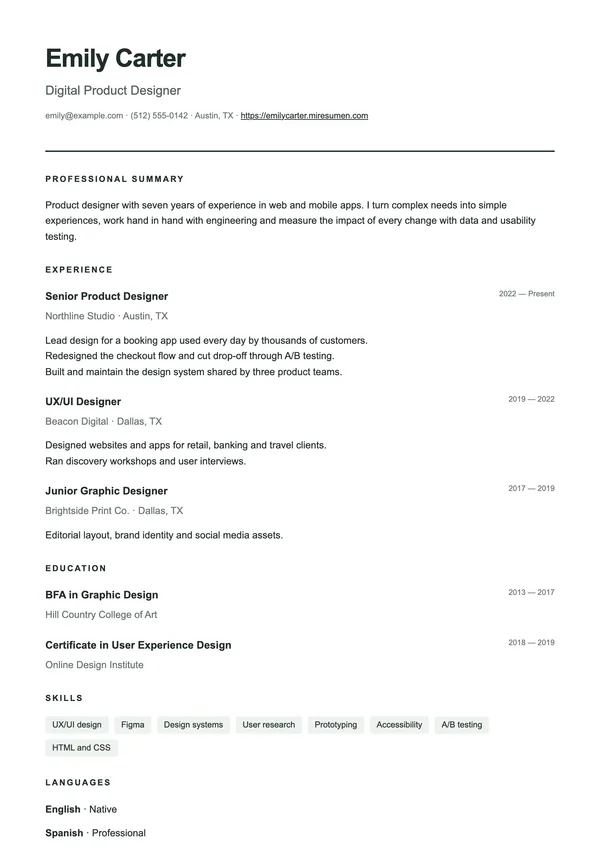 Use this design ↗
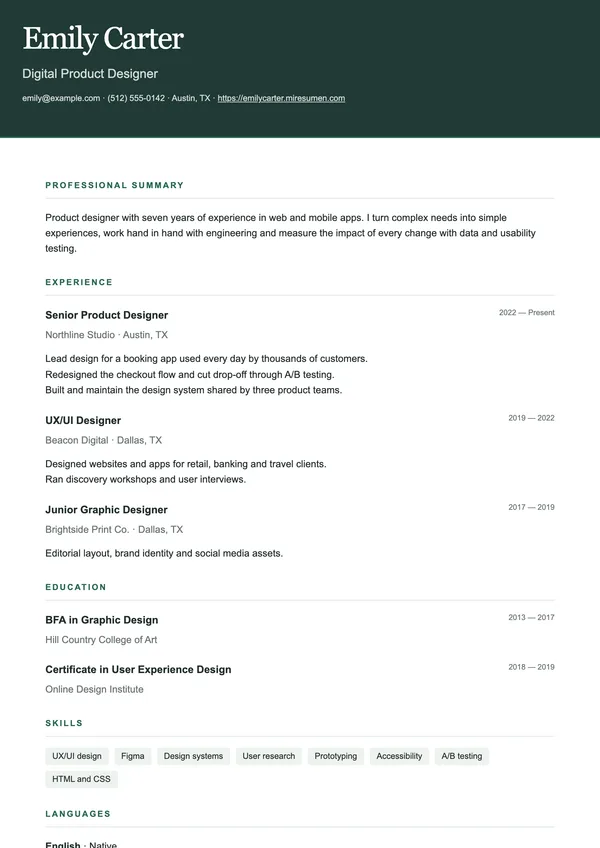 Use this design ↗
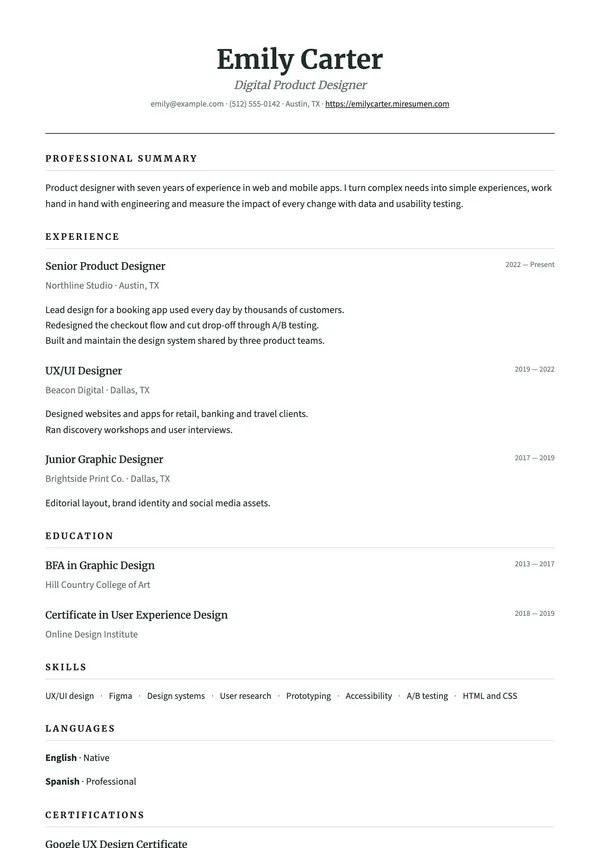 Use this design ↗
 Use this design ↗
 Use this design ↗
 Use this design ↗
 Use this design ↗
 Use this design ↗
 Use this design ↗
 Use this design ↗
 Use this design ↗
 Use this design ↗
 Use this design ↗
 Use this design ↗
 Use this design ↗
 Use this design ↗
 Use this design ↗
 Use this design ↗
 Use this design ↗
 Use this design ↗
 Use this design ↗
 Use this design ↗
 Use this design ↗
 Use this design ↗
 Use this design ↗
 Use this design ↗
 Use this design ↗
 Use this design ↗
 Use this design ↗
 Use this design ↗
 Use this design ↗
 Use this design ↗
 Use this design ↗
 Use this design ↗
 Use this design ↗
 Use this design ↗
 Use this design ↗
 Use this design ↗
 Use this design ↗
 Use this design ↗
 Use this design ↗
 Use this design ↗
 Use this design ↗
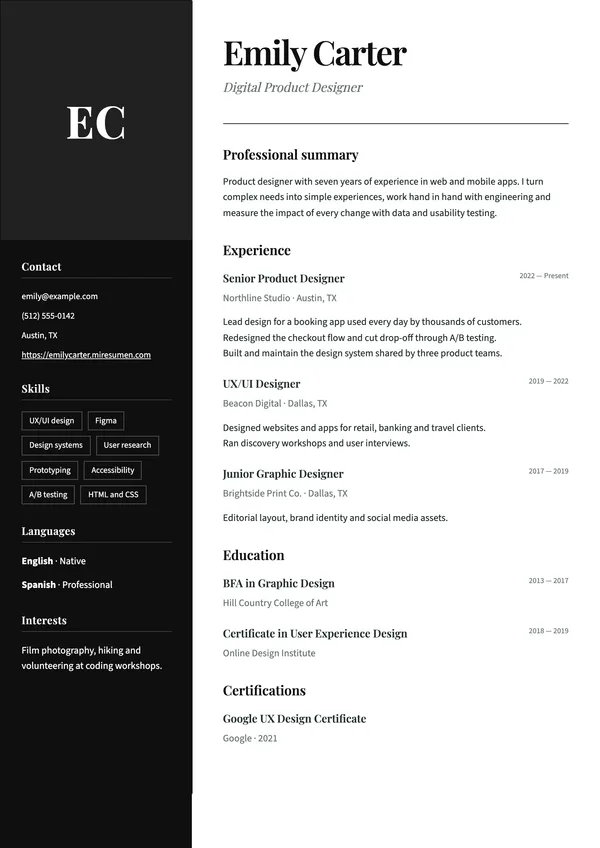 Use this design ↗
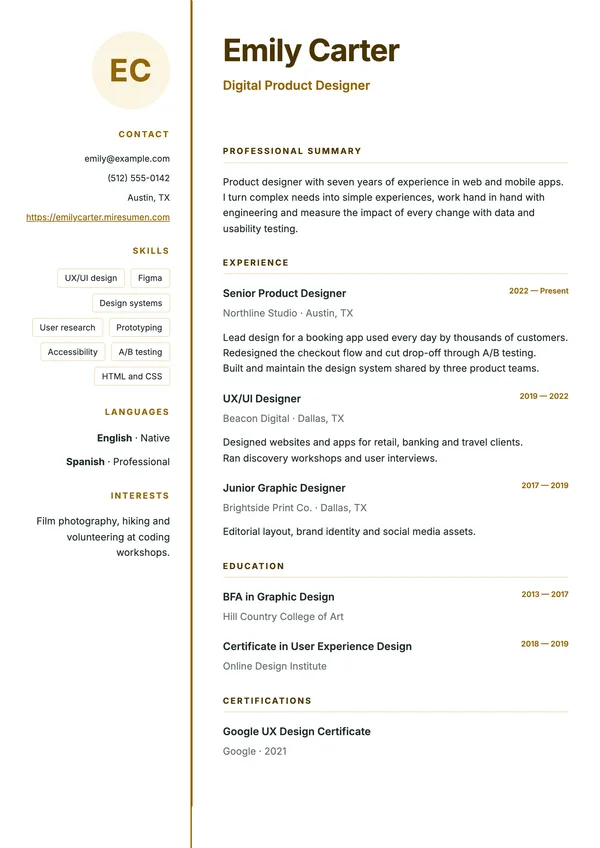 Use this design ↗
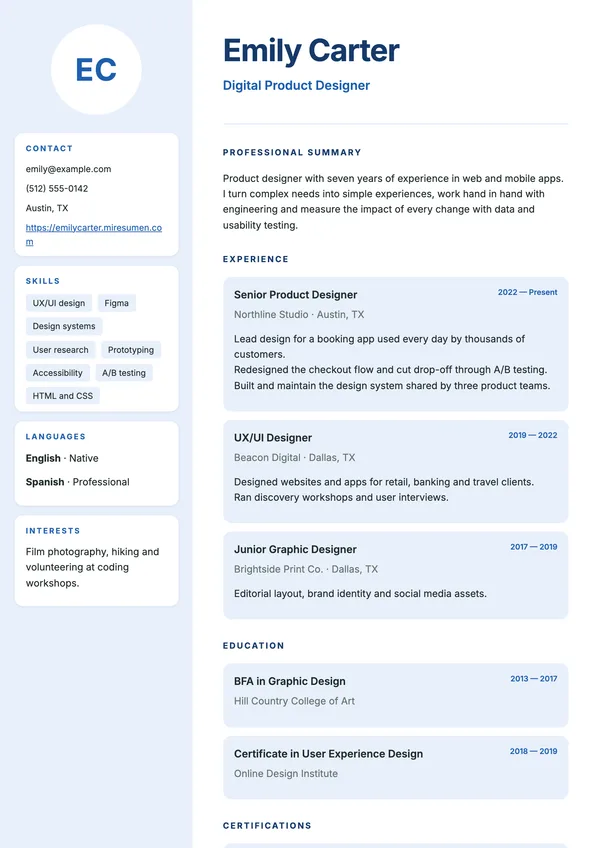 Use this design ↗
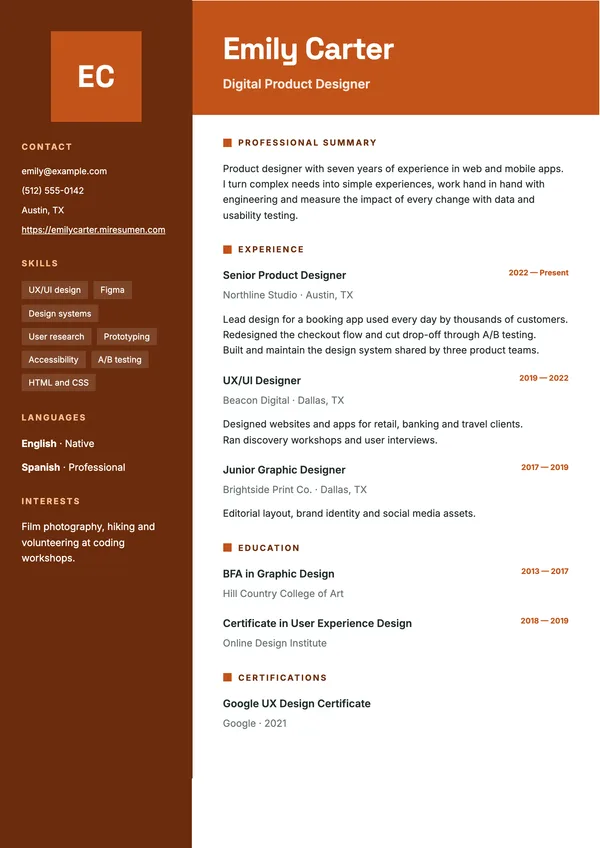 Use this design ↗
 Use this design ↗
 Use this design ↗
 Use this design ↗
 Use this design ↗
 Use this design ↗
 Use this design ↗
 Use this design ↗
 Use this design ↗
 Use this design ↗
Your color. Your font.
Any design in 12 colors and 8 fonts, on every plan. Your content stays put when you switch.
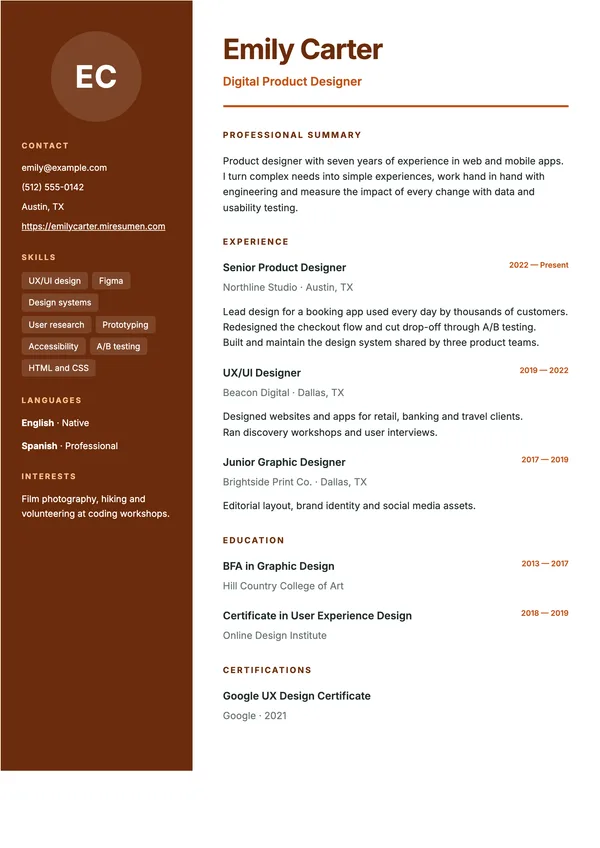
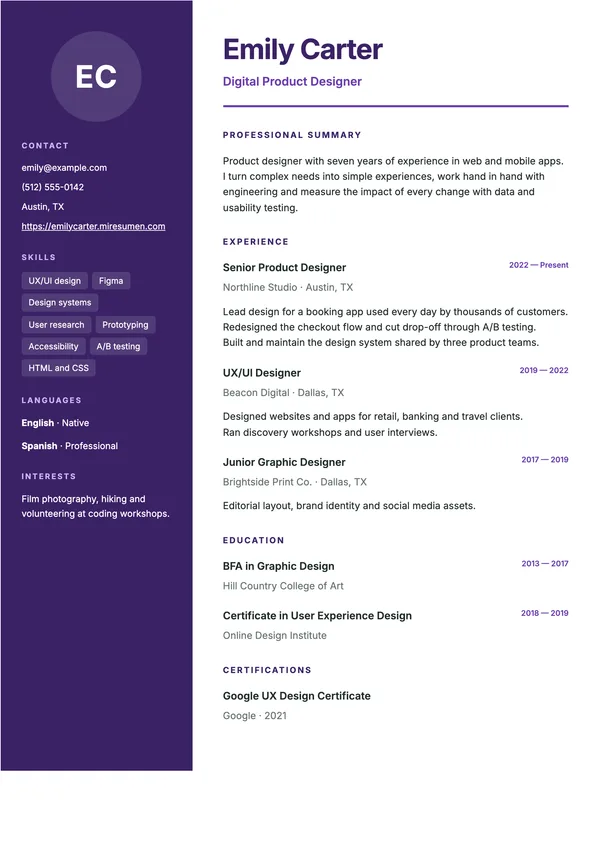
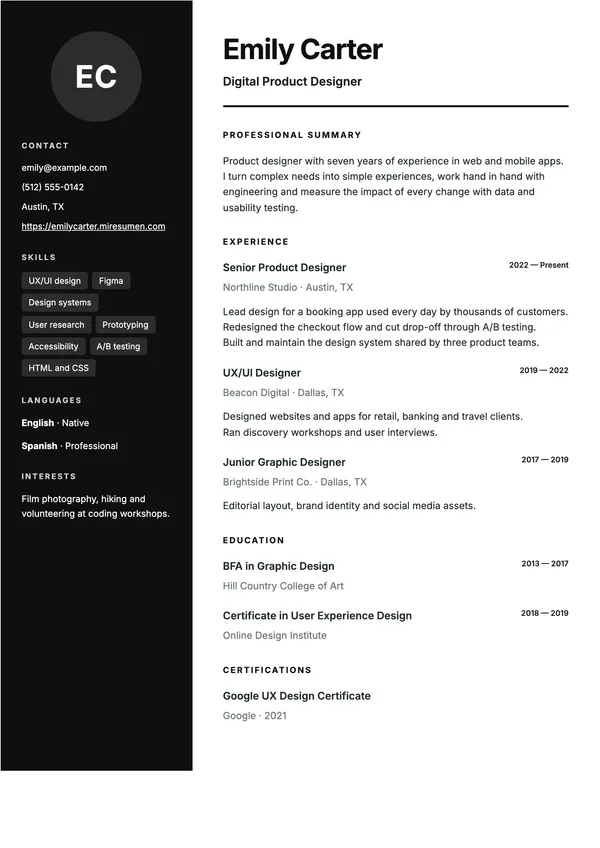
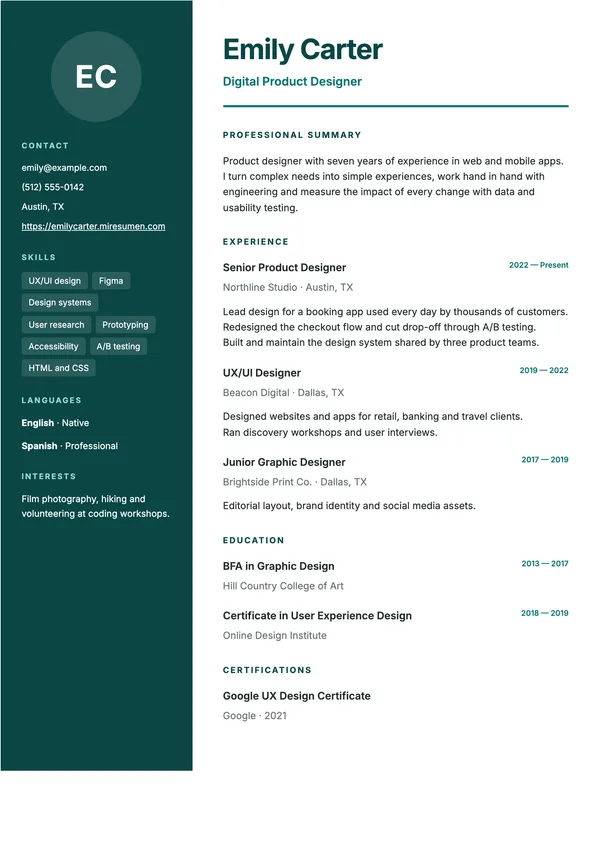
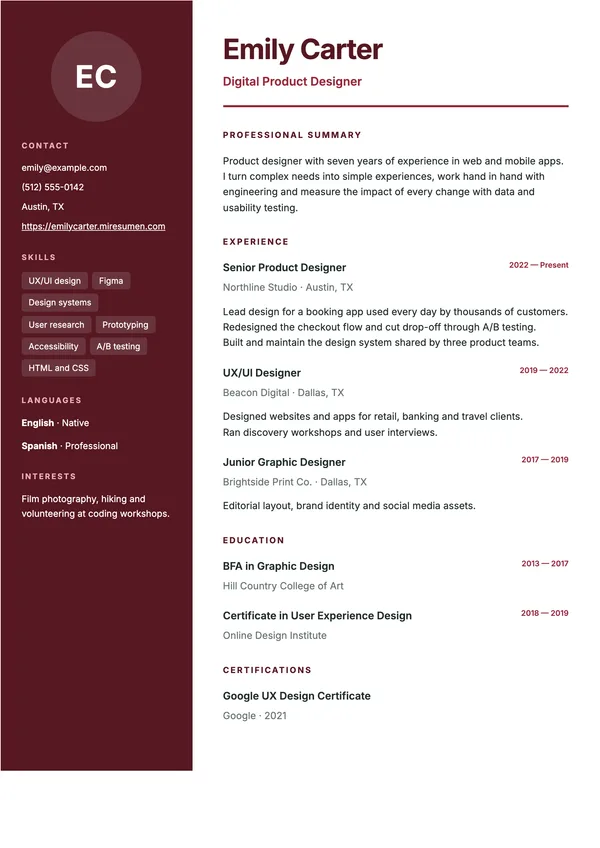
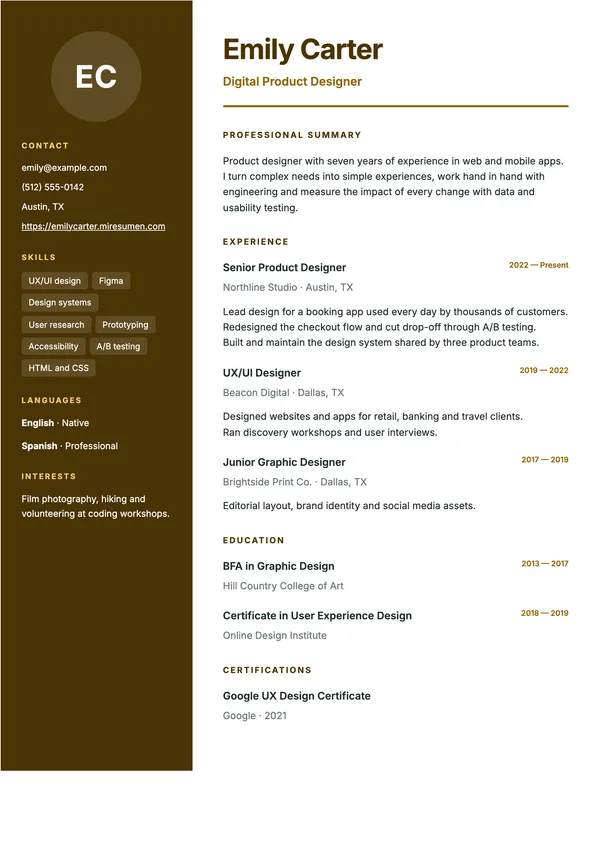
7 designs included in the free plan and 50 with Pro. Previews use a sample resume.
All 57 resume designs
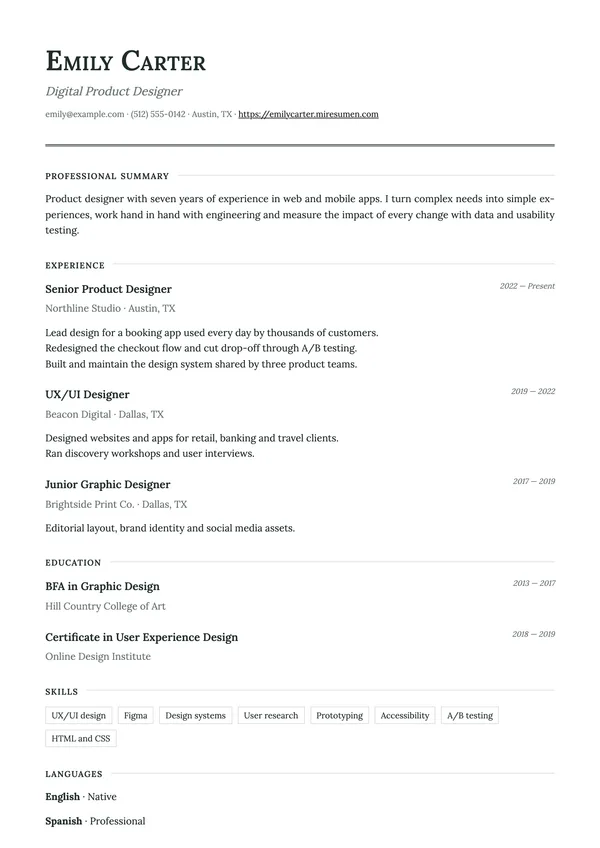
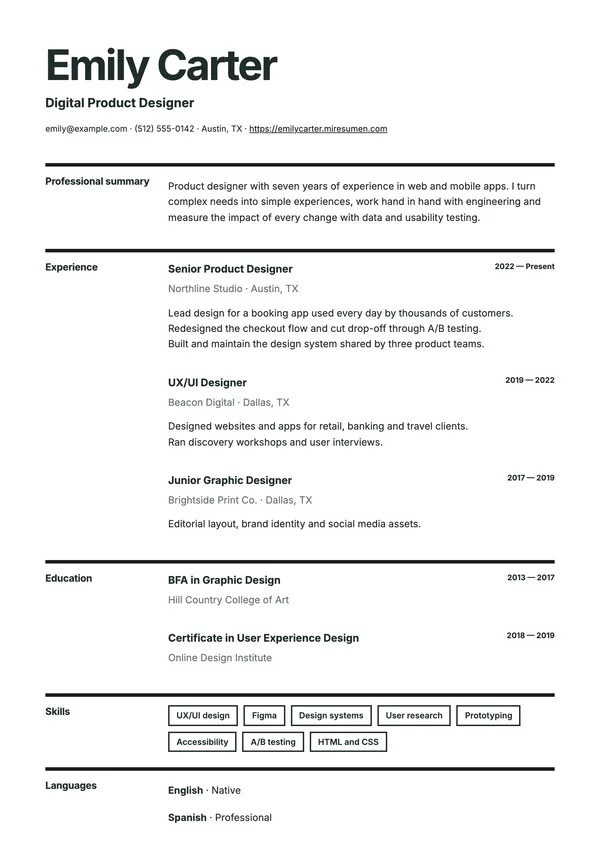
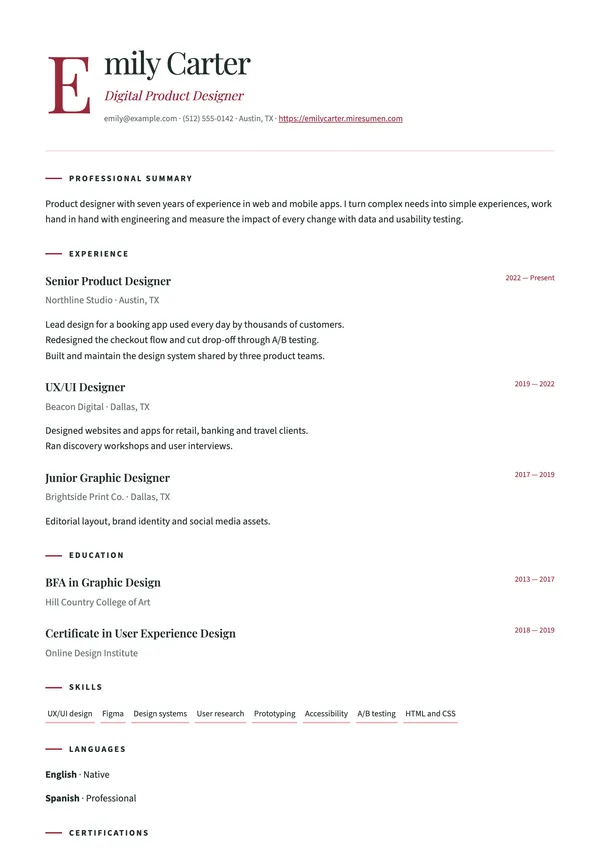
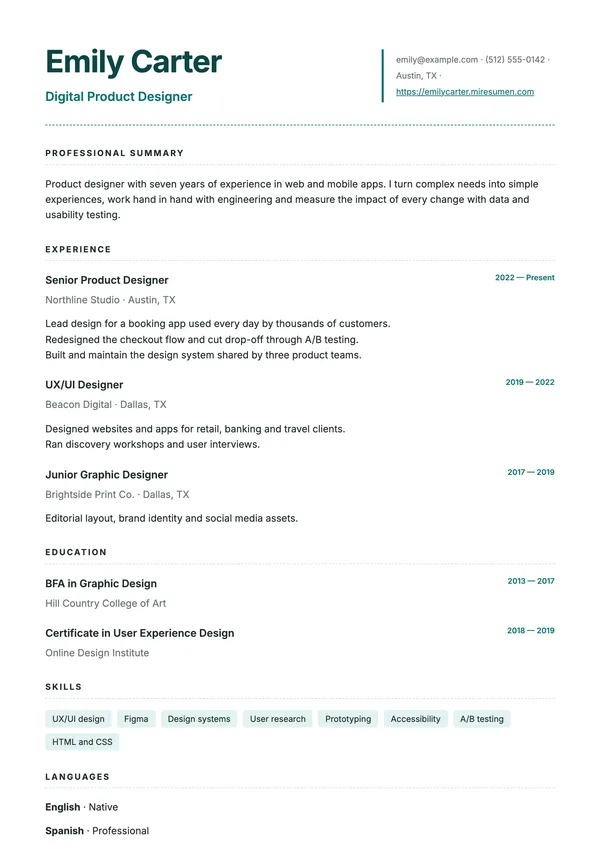
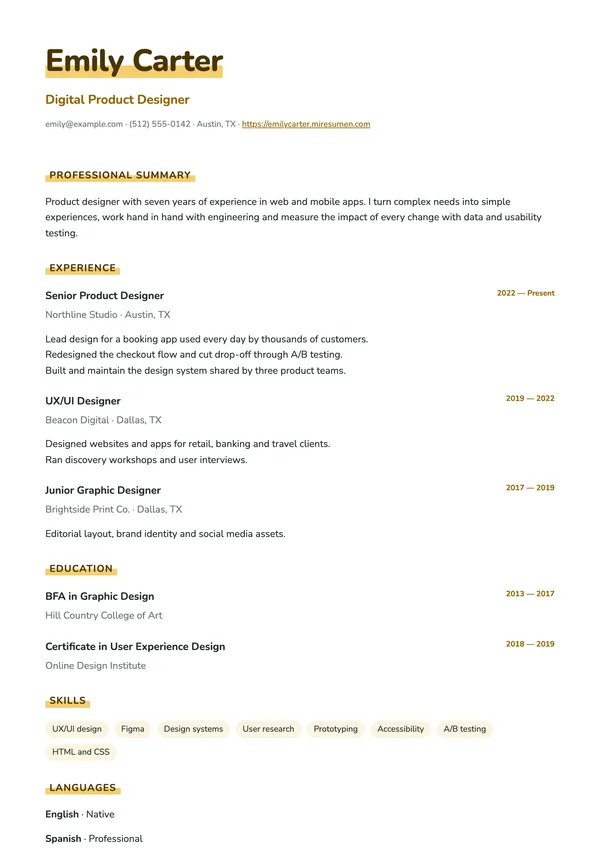
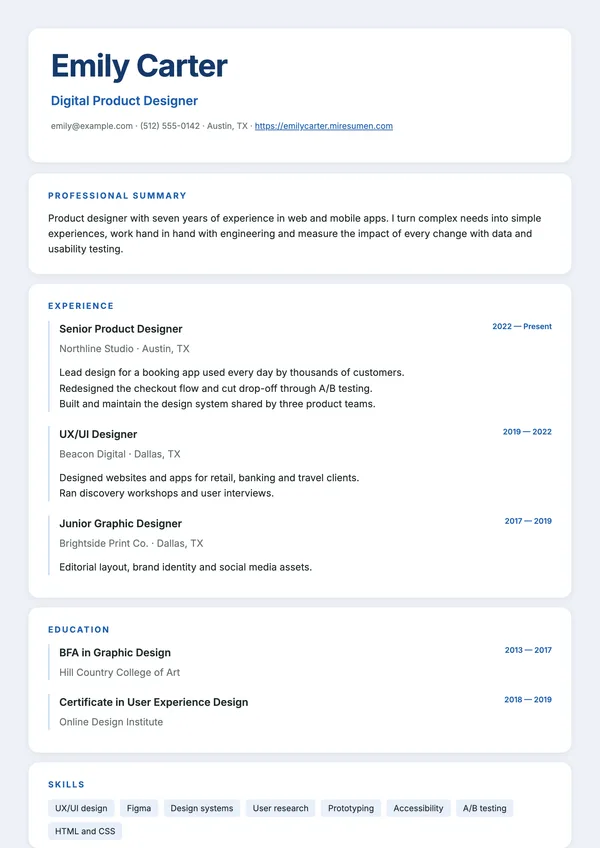
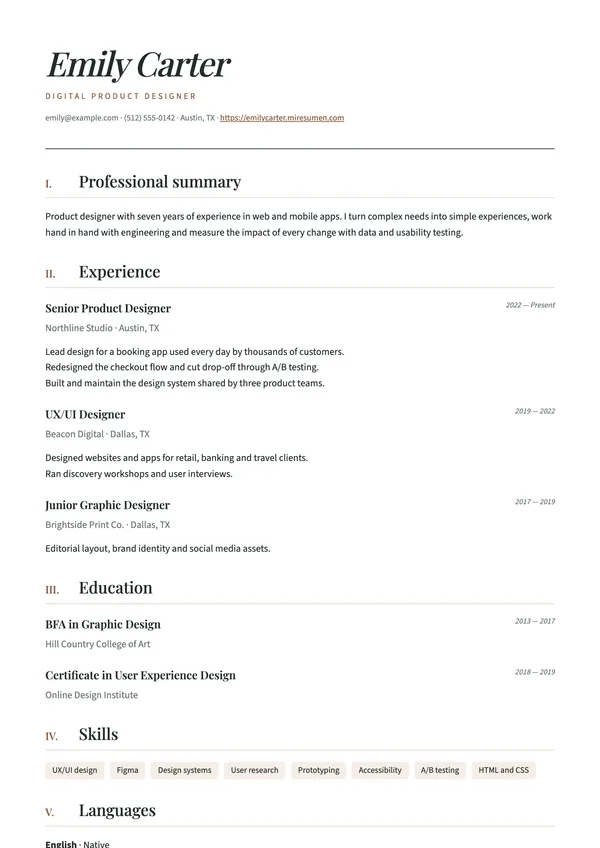
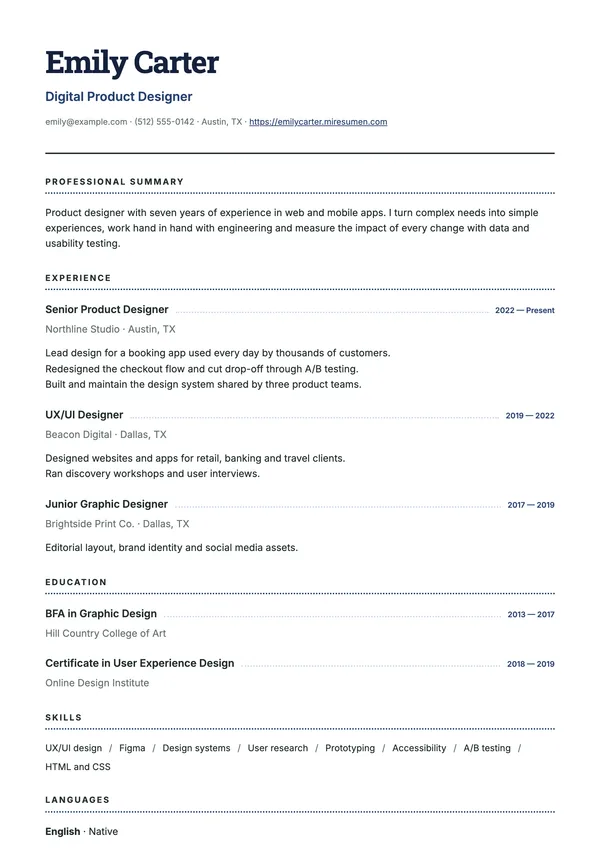
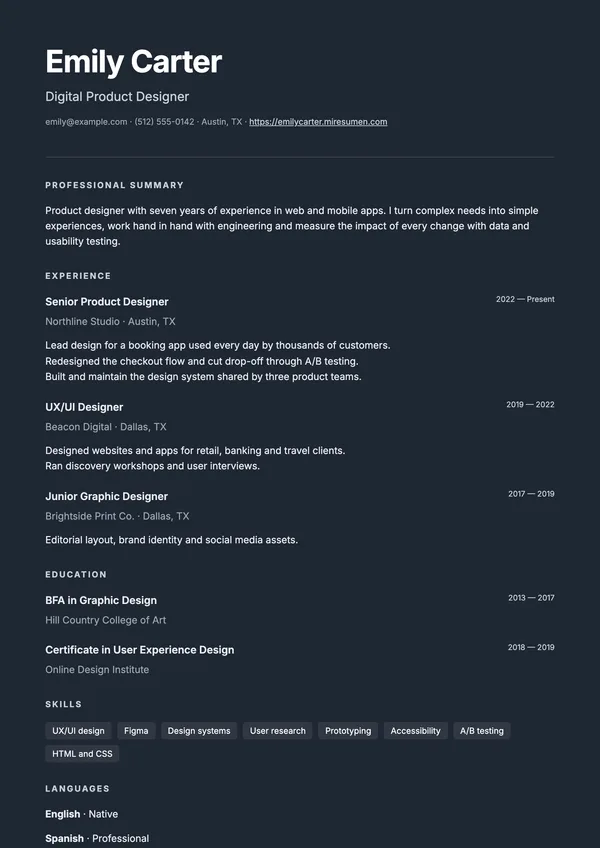
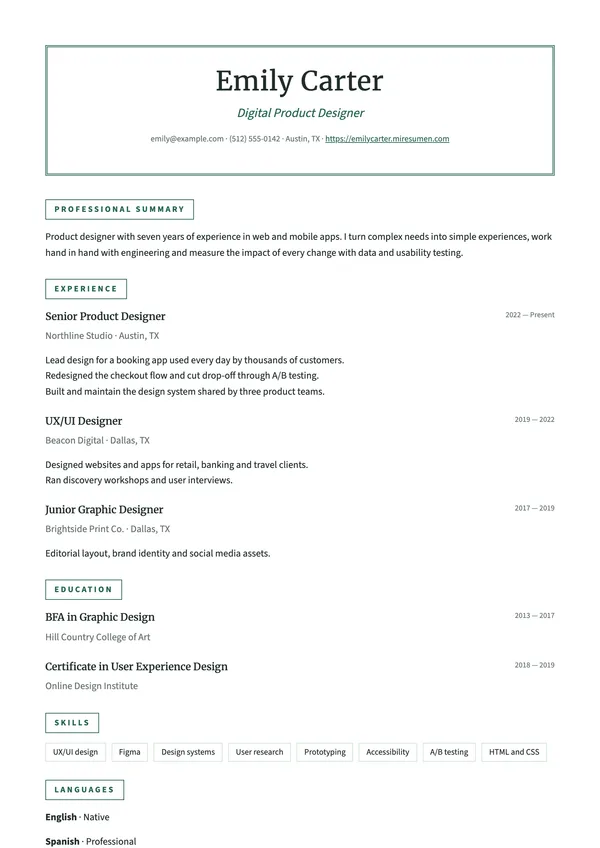
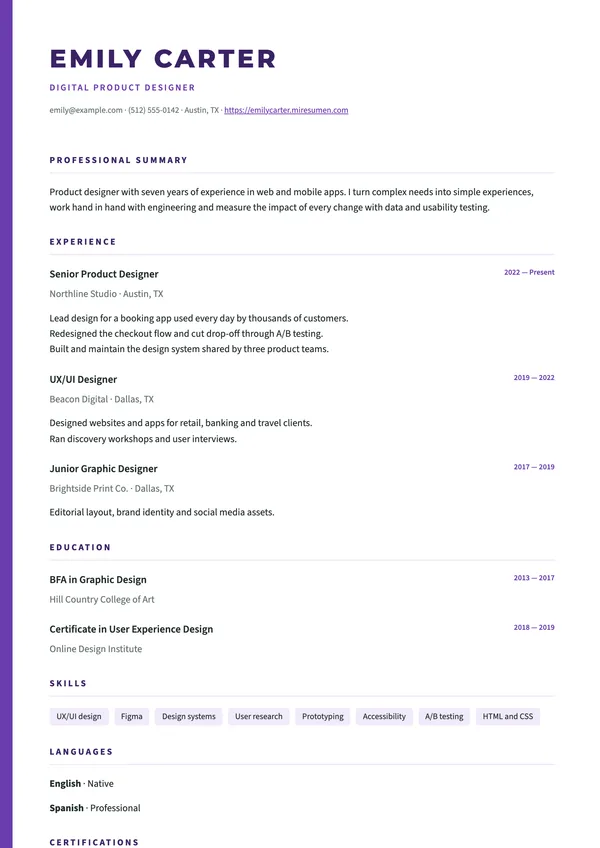
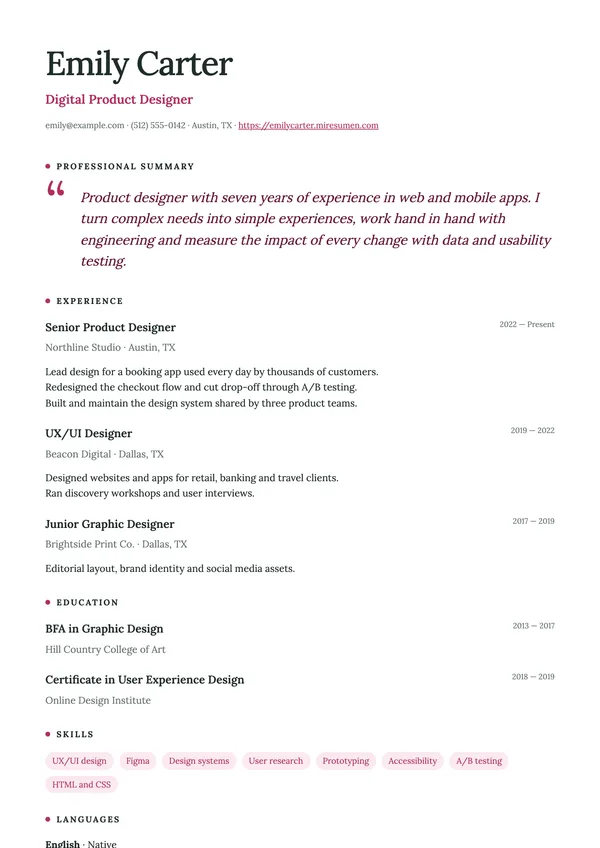
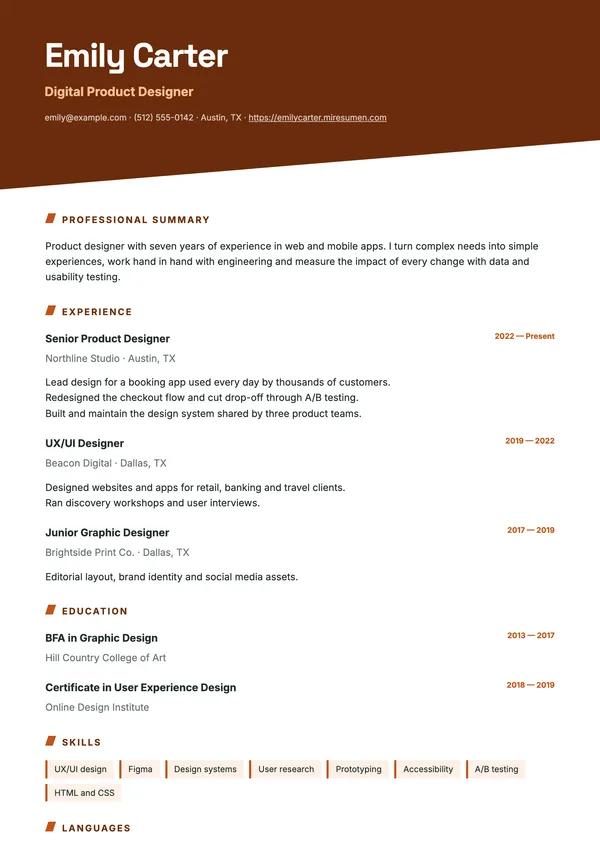
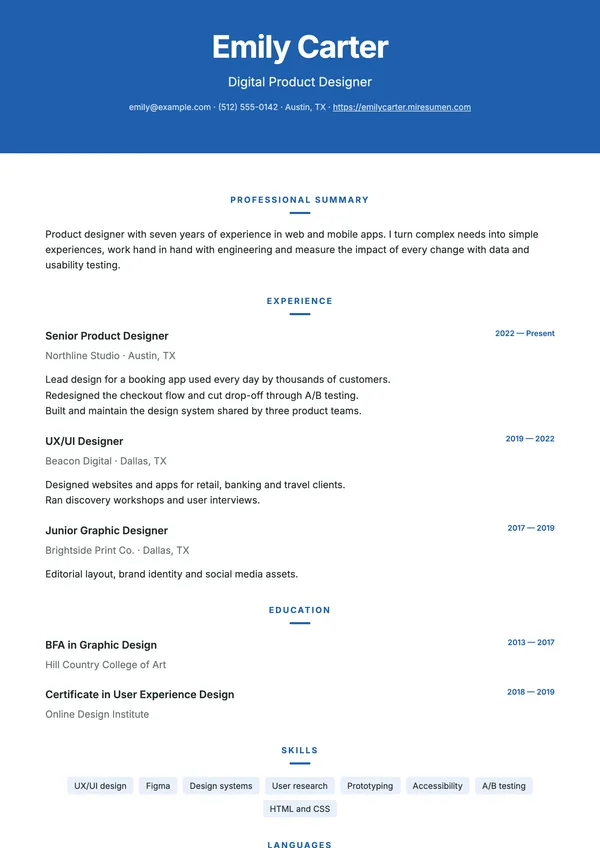
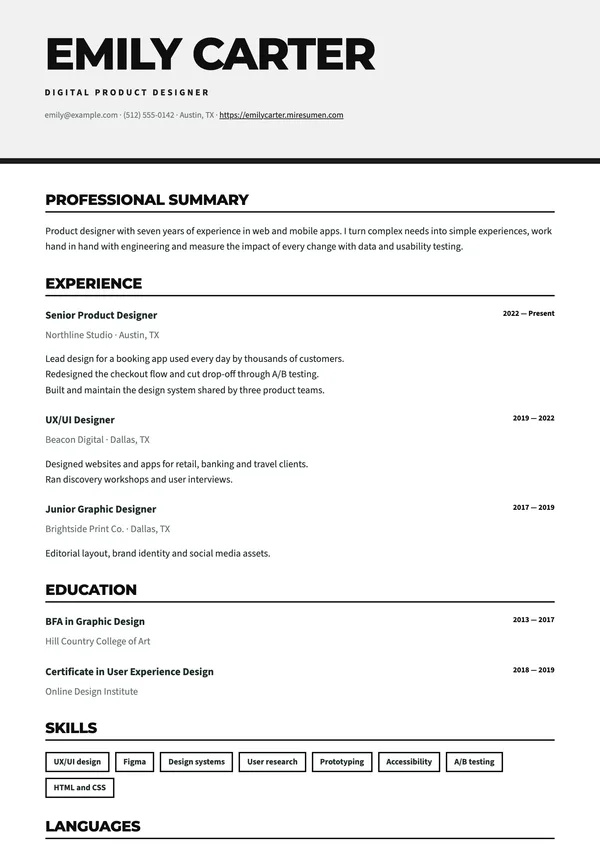
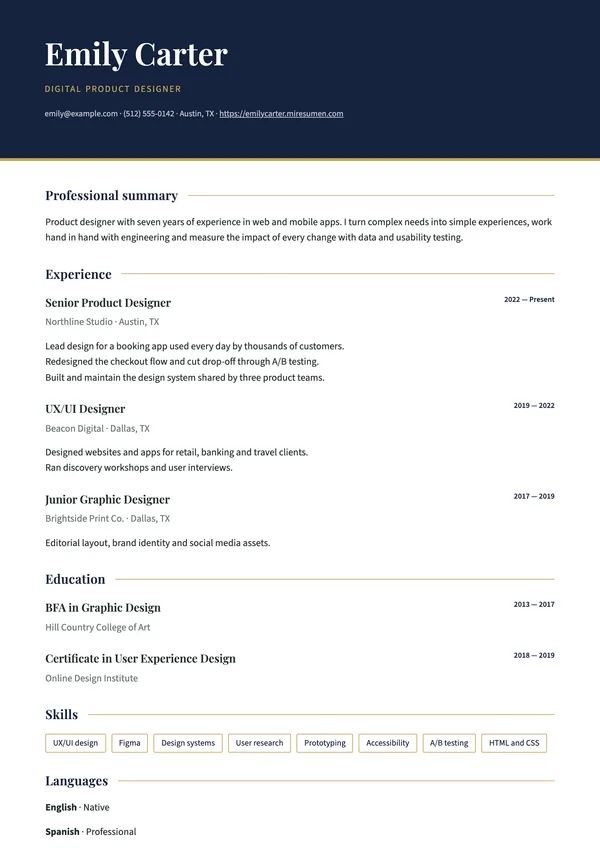
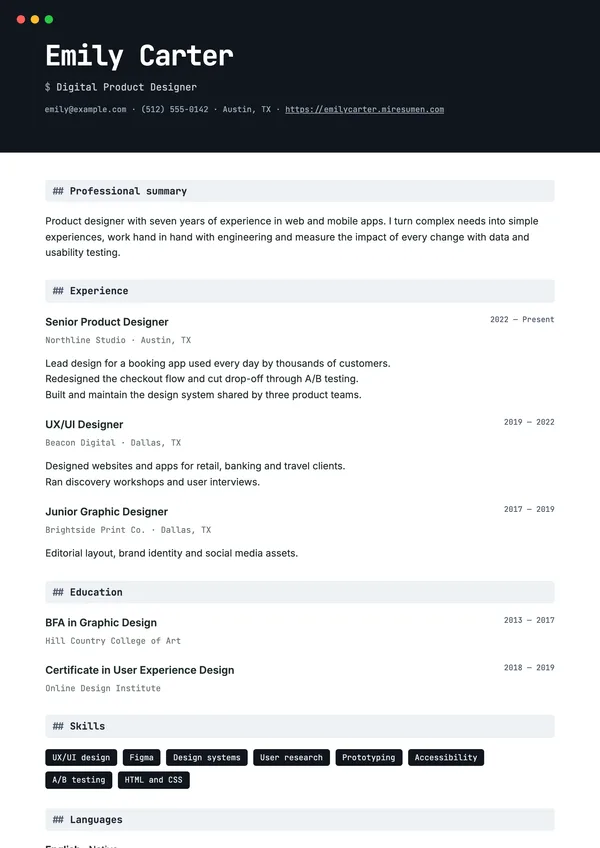
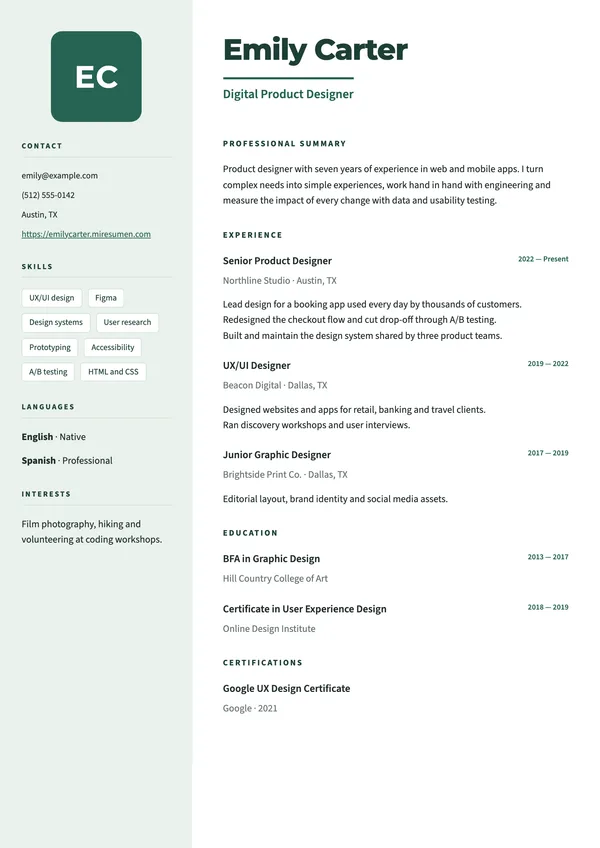
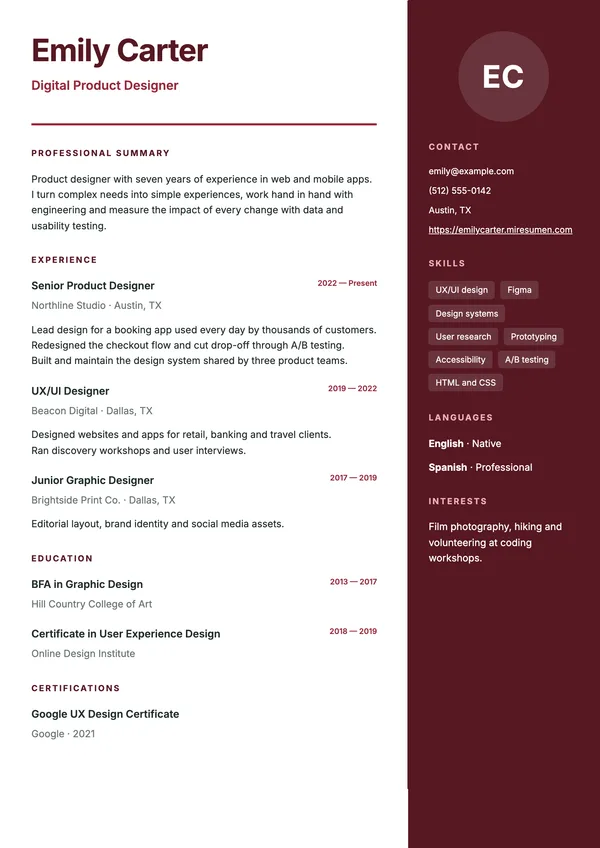
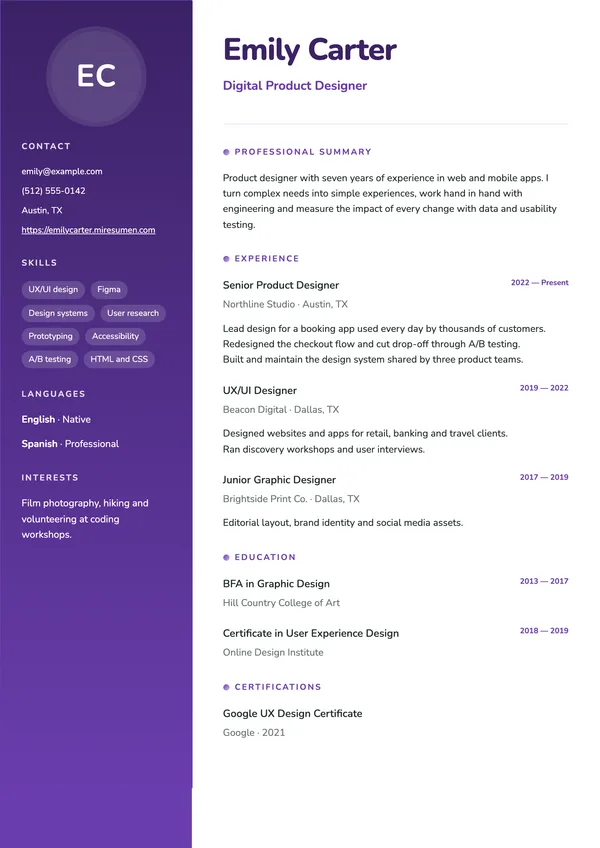
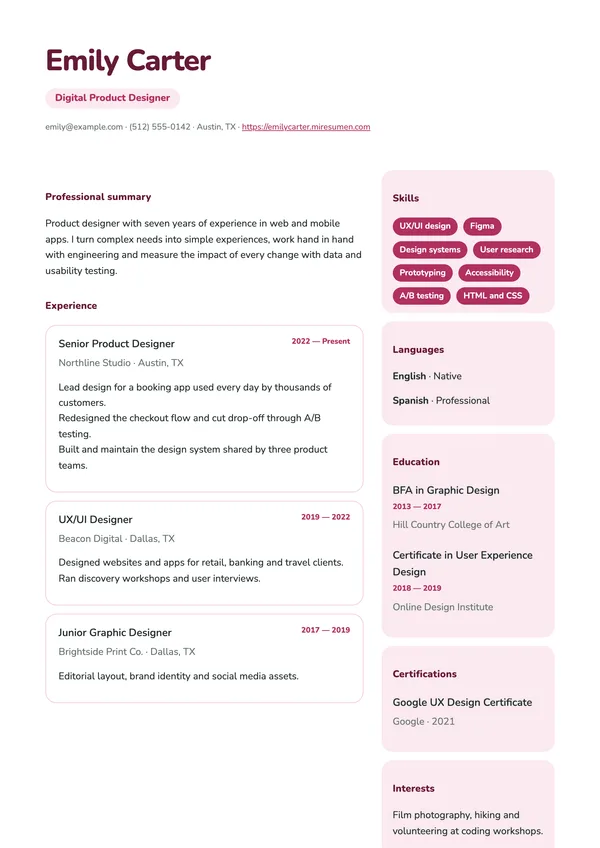
Above you’ll find all 57 designs, each filled in with the same sample resume. Your content is stored separately from the design, so you can switch templates at any time without retyping a word: write your resume once and try it in as many designs as you like before you decide.
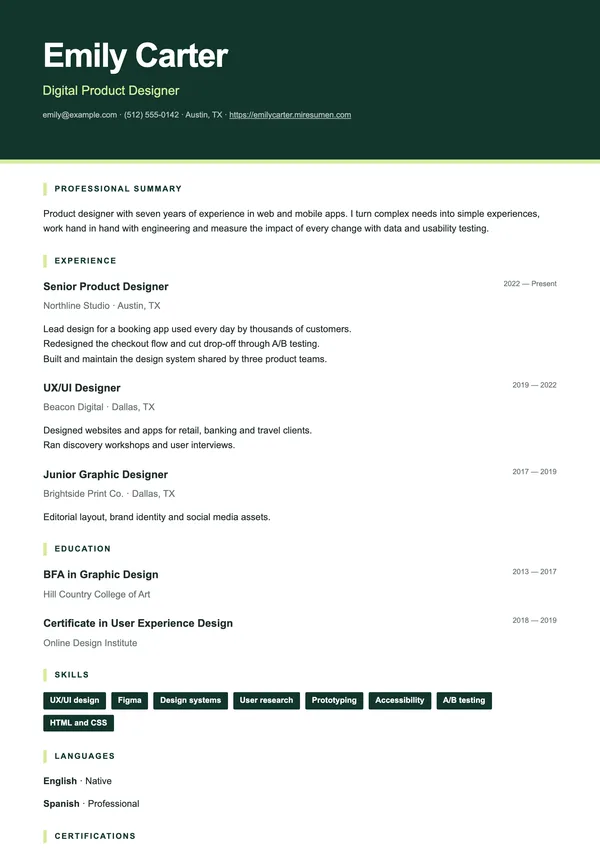
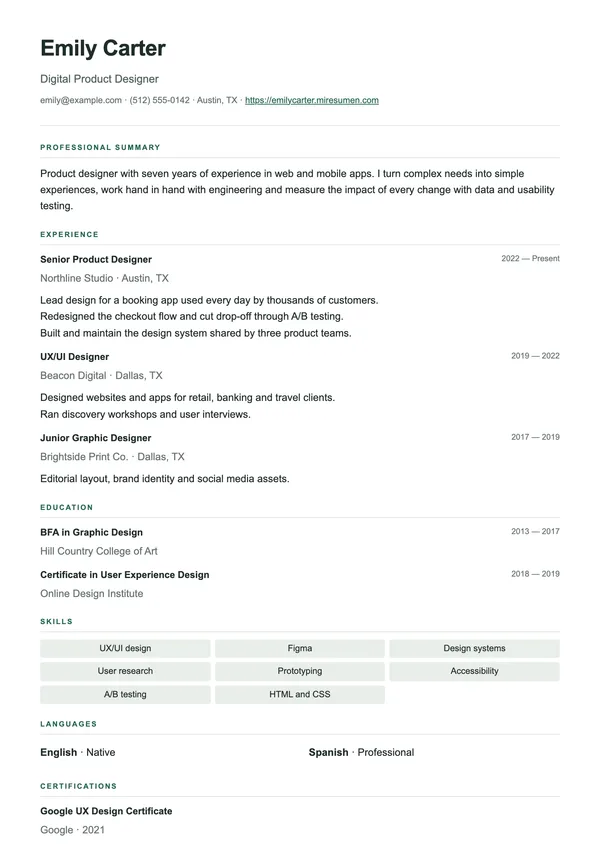
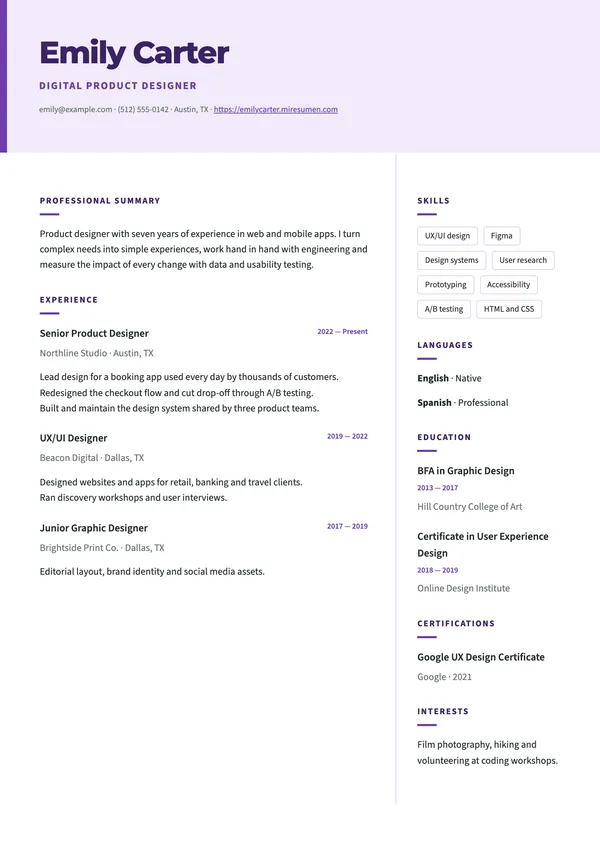
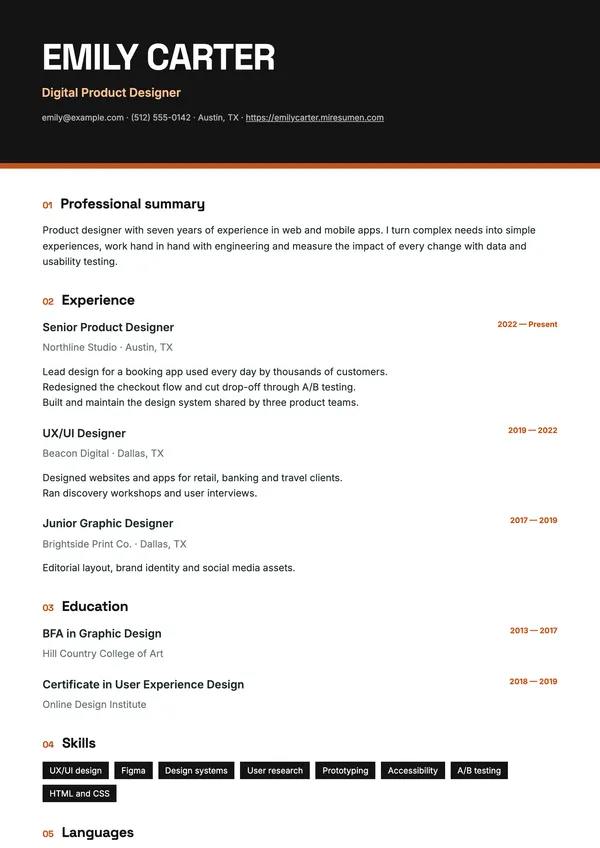
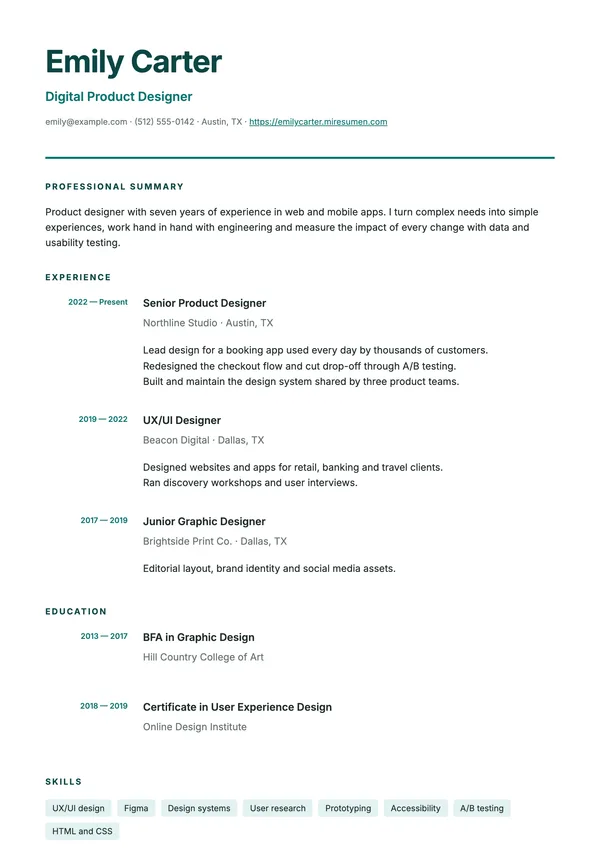
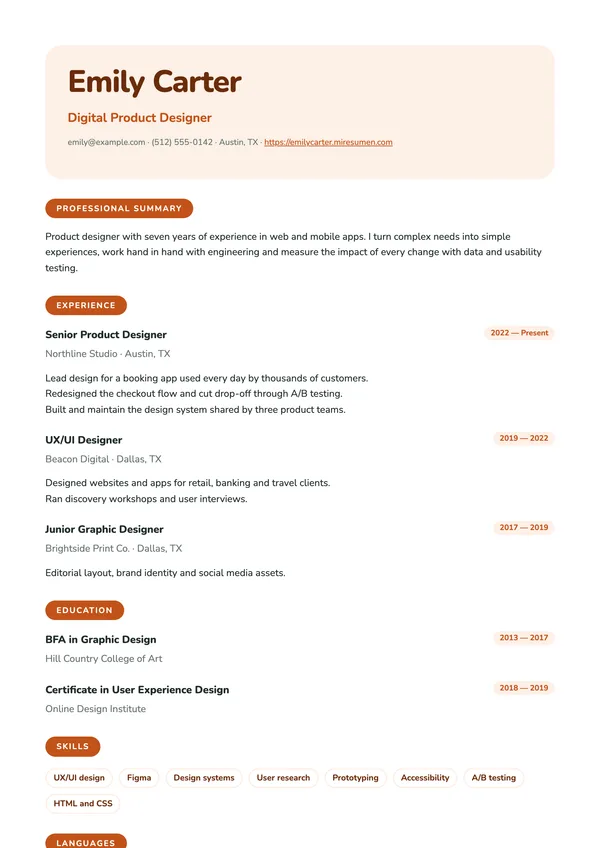
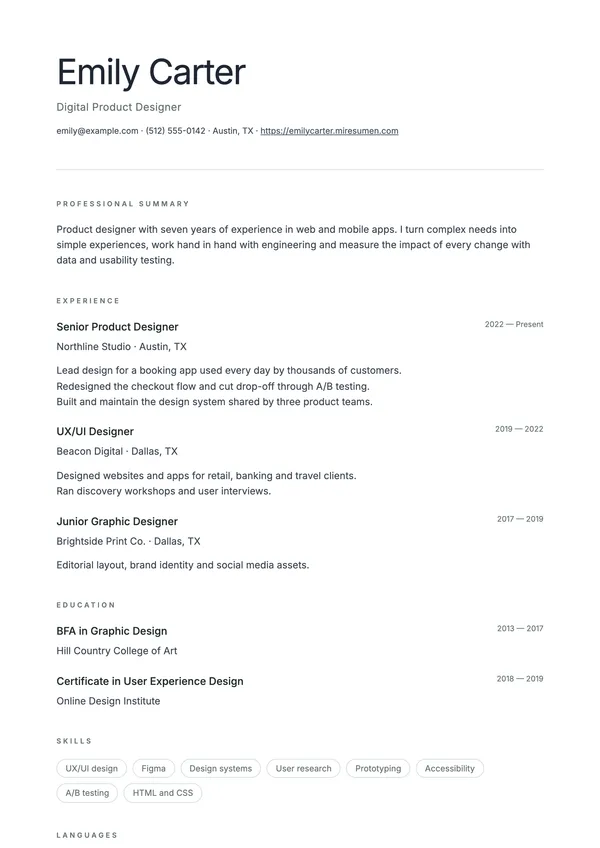
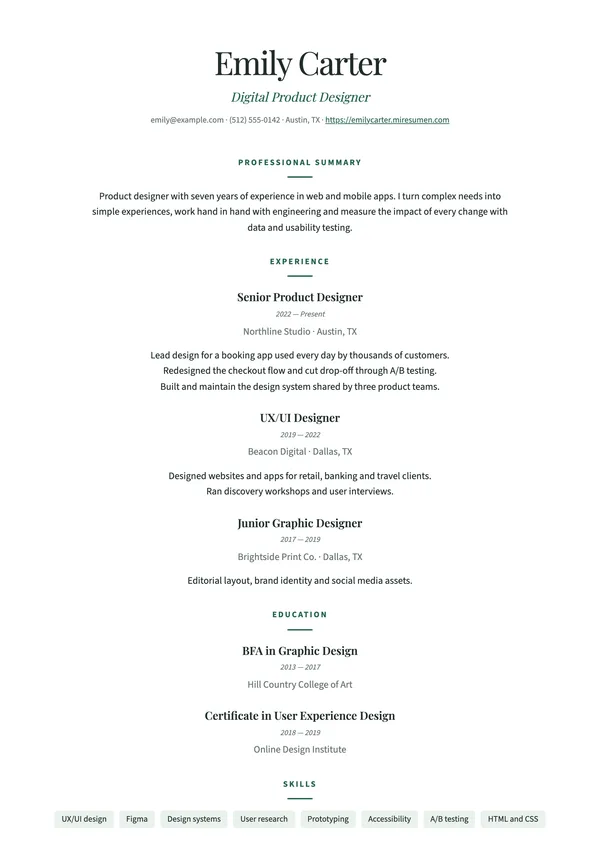
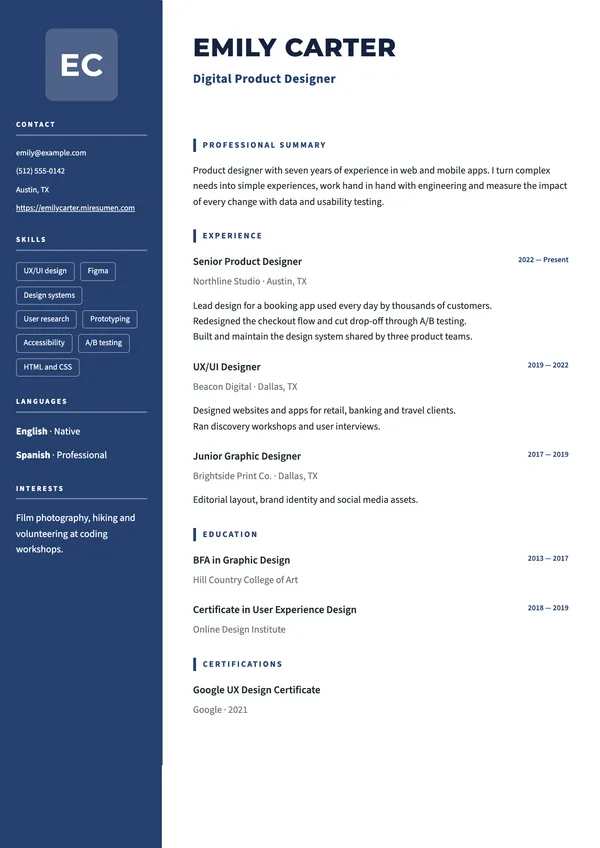
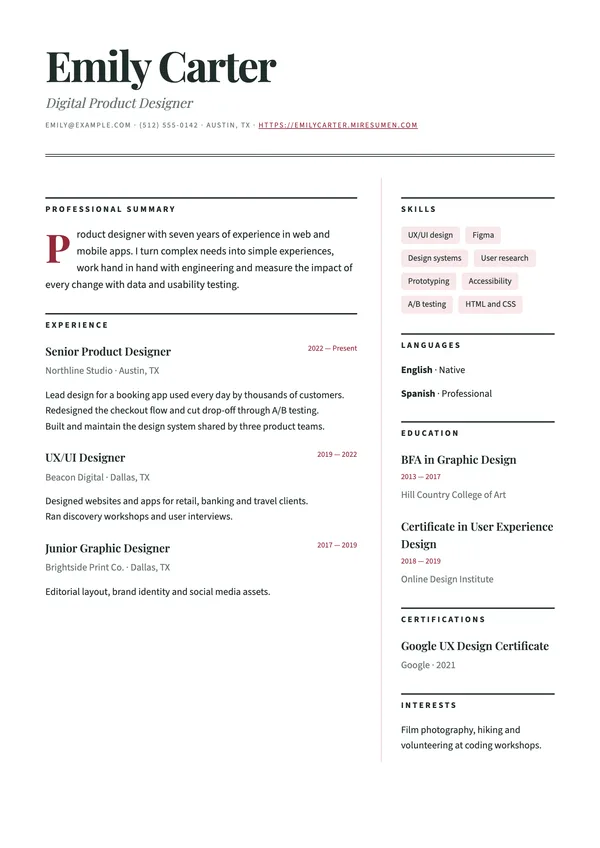
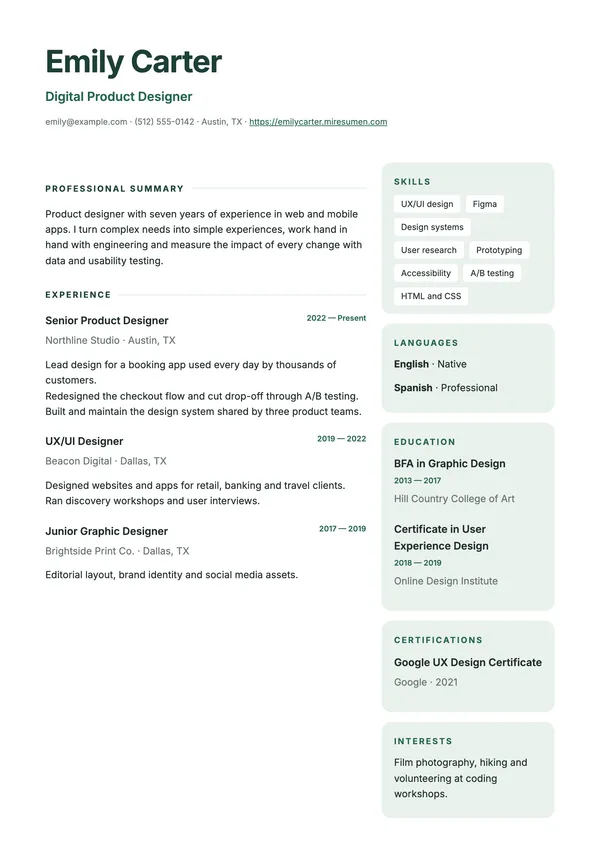
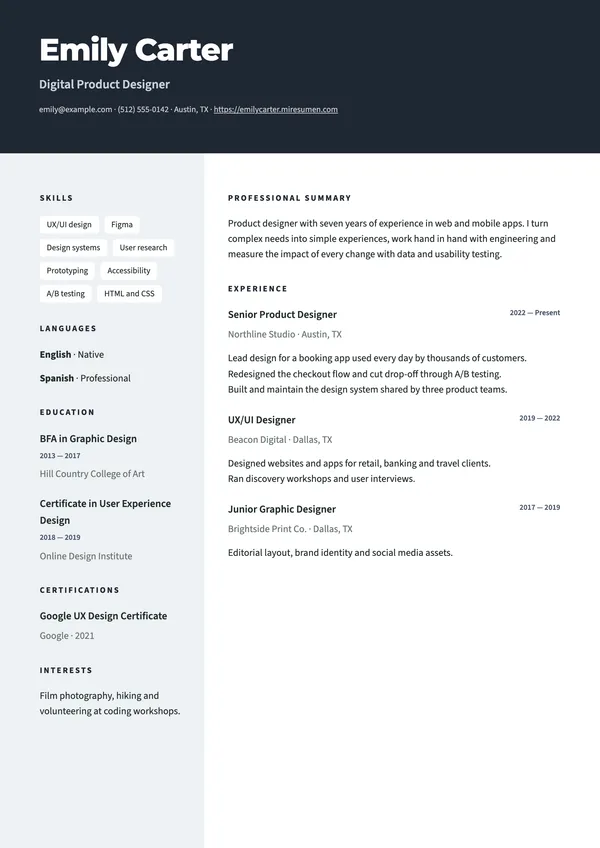
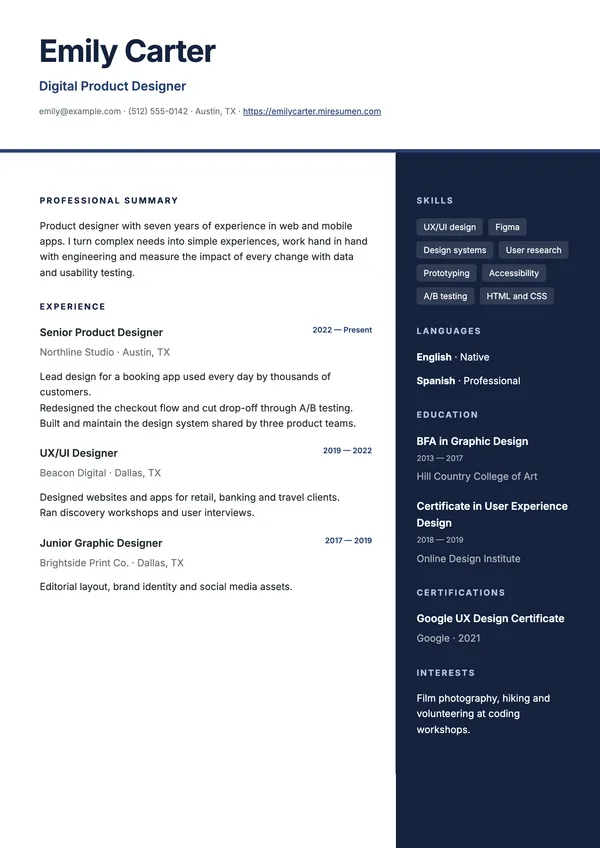
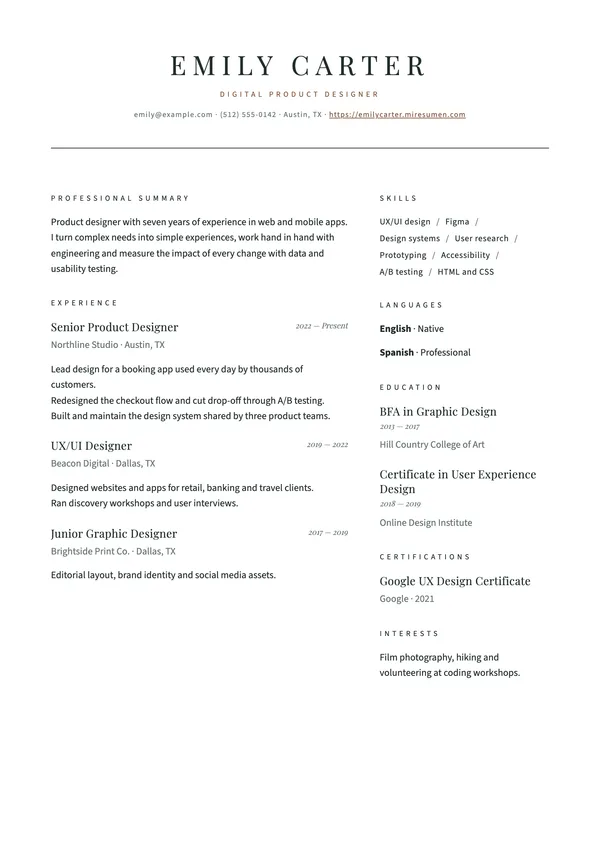
There are three kinds of layout: single column (the safest choice for applicant tracking systems), sidebar (contact details, skills and languages in a column off to one side) and two columns (experience on the left, supporting details on the right). In the editor, you see every template with your own information, exactly as it will look in the PDF and on your personal website.
Which resume template to choose for your field
No template is best for everyone. What matters is that the design makes your strongest points quick to find. This table sums up what each one does well:
| Template | Style | Good fit for | Plan |
|---|---|---|---|
| Editorial | Warm, balanced serif | Almost any profile; a safe choice if you are unsure | Free |
| Minimal | Sans serif, no frills | Tech, data and understated applications | Free |
| Executive | Color header | Leadership roles and sales profiles | Free |
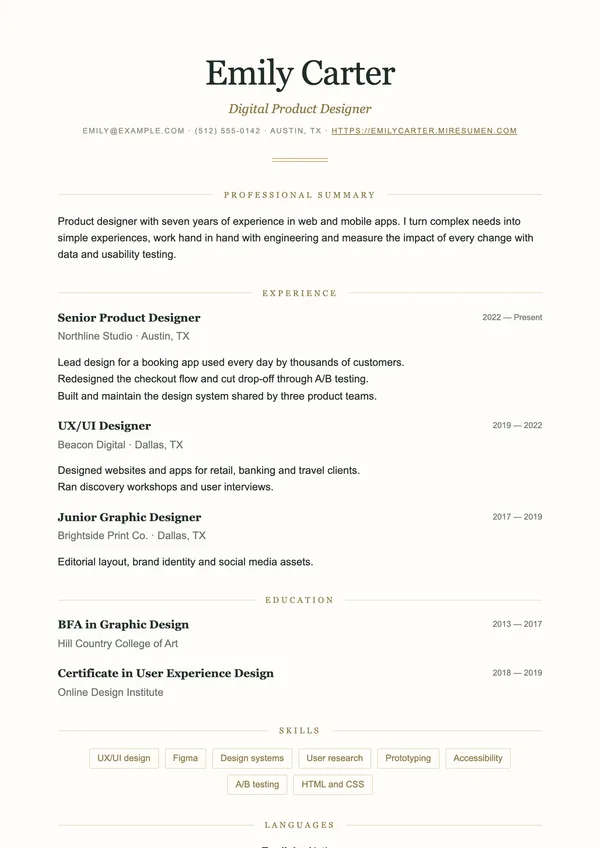
| Classic | Centered serif, underlined headings | Law, government, banking and education | Free |
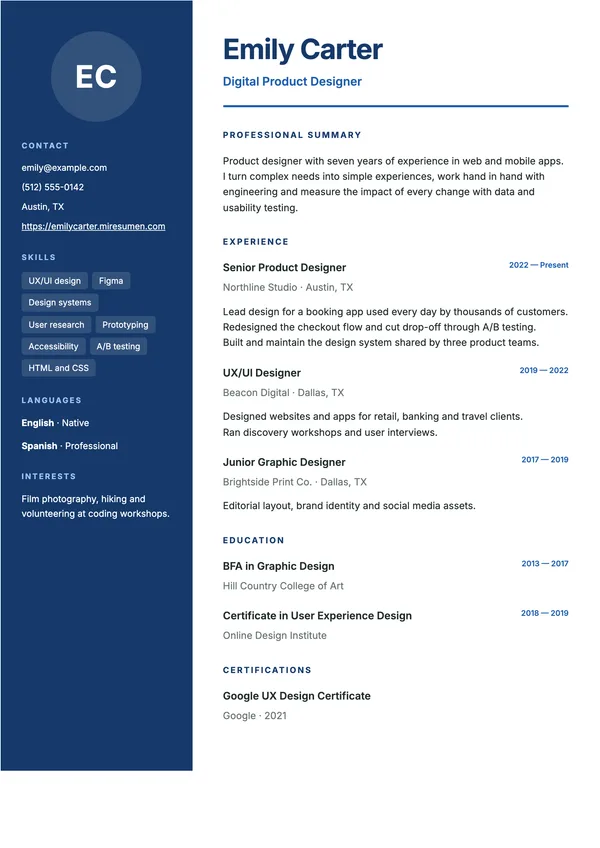
| Sidebar | Color sidebar | Profiles with many skills and languages | Free |
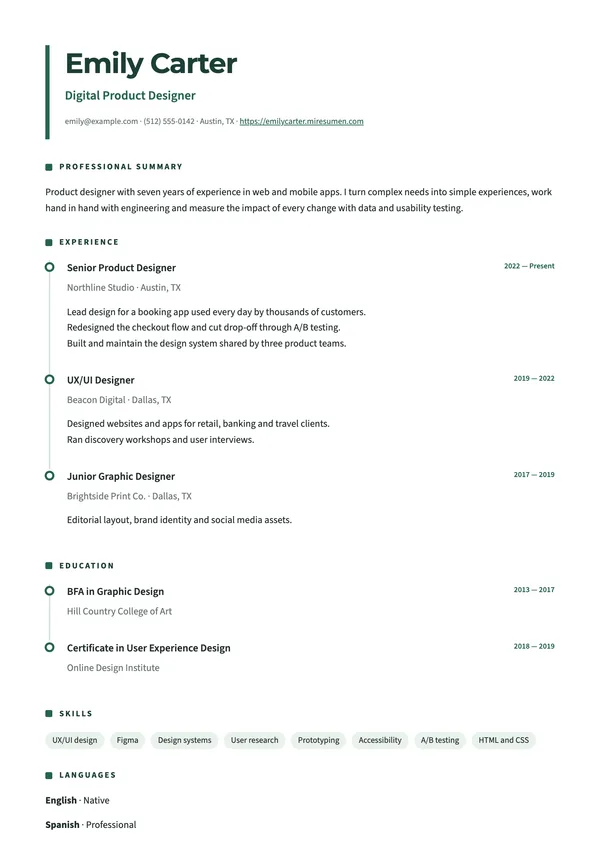
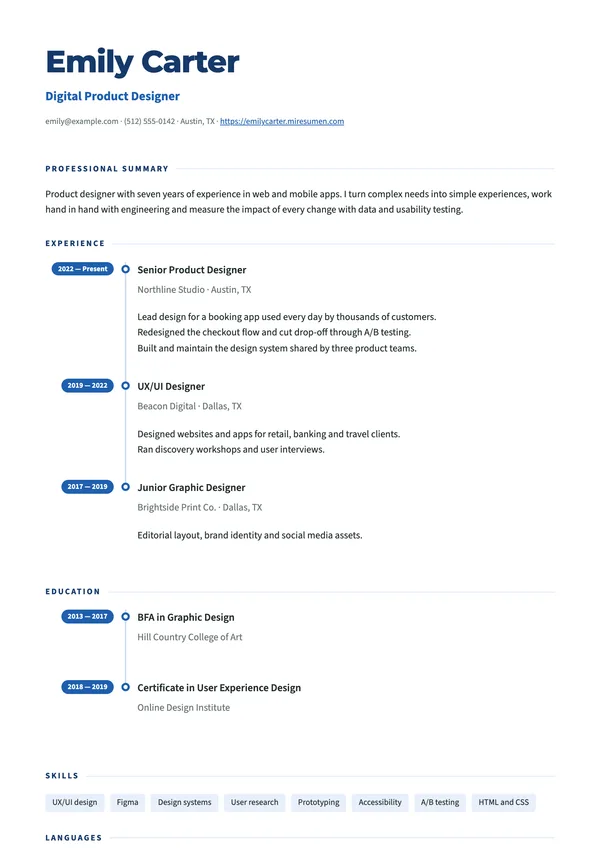
| Timeline | Experience on a timeline | Careers with a clear progression | Free |
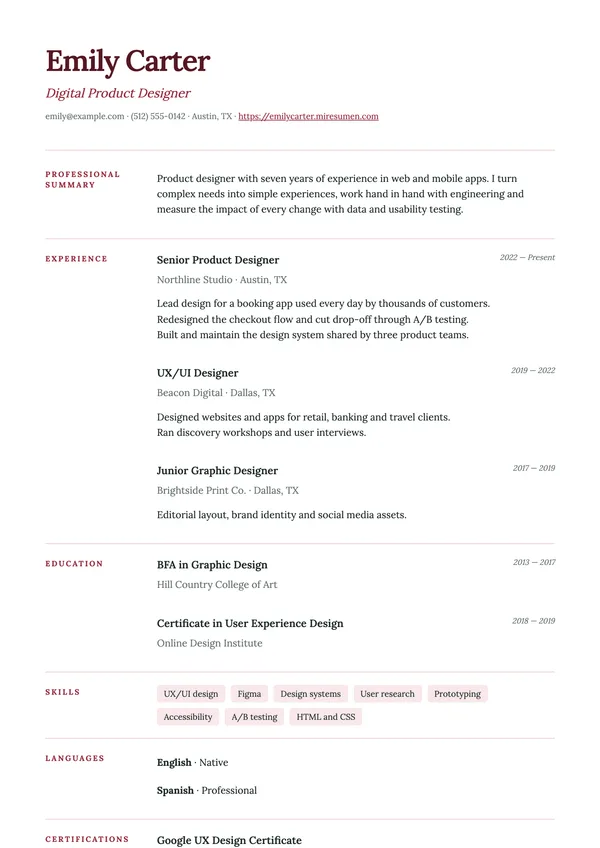
| Margin | Headings in the margin, lots of white space | Editorial, academic and consulting profiles | Free |
| Elegant | Classic, centered and calm | Traditional industries and upscale hospitality | Pro |
| Impact | High-contrast dark header | Marketing, sales and high-visibility roles | Pro |
| Compact | Dense and tidy | Long careers that need room | Pro |
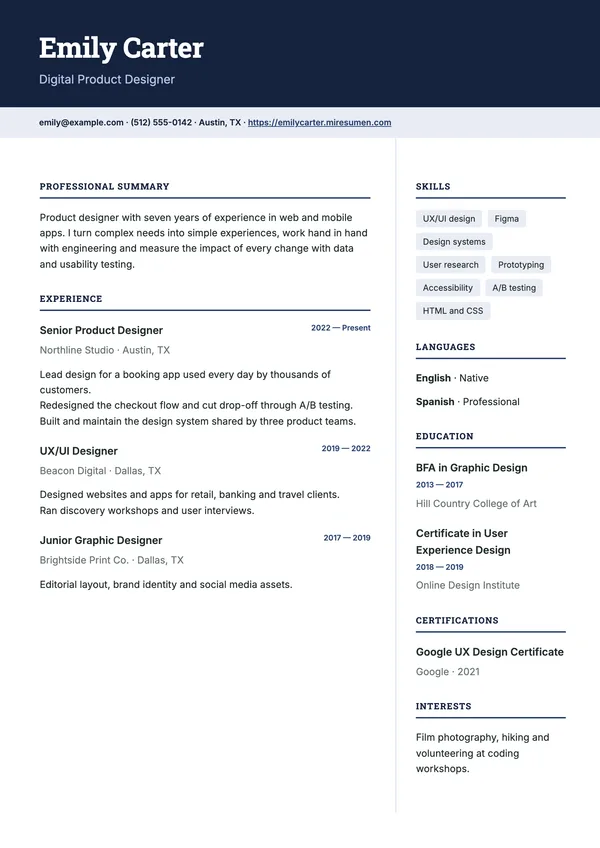
| Modern | Two columns and a soft header | Product, design, startups and tech | Pro |
| Bold | Black with an accent color and numbered sections | Creative, communications and stand-out profiles | Pro |
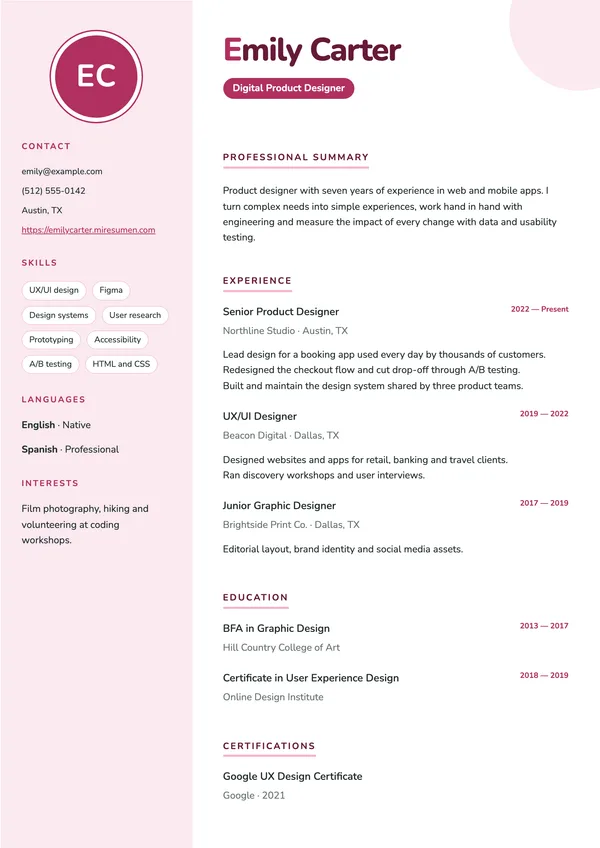
| Creative | Soft sidebar and rounded shapes | Design, education, social media and customer-facing roles | Pro |
| Corporate | Top band and two columns | Finance, consulting, engineering and management | Pro |
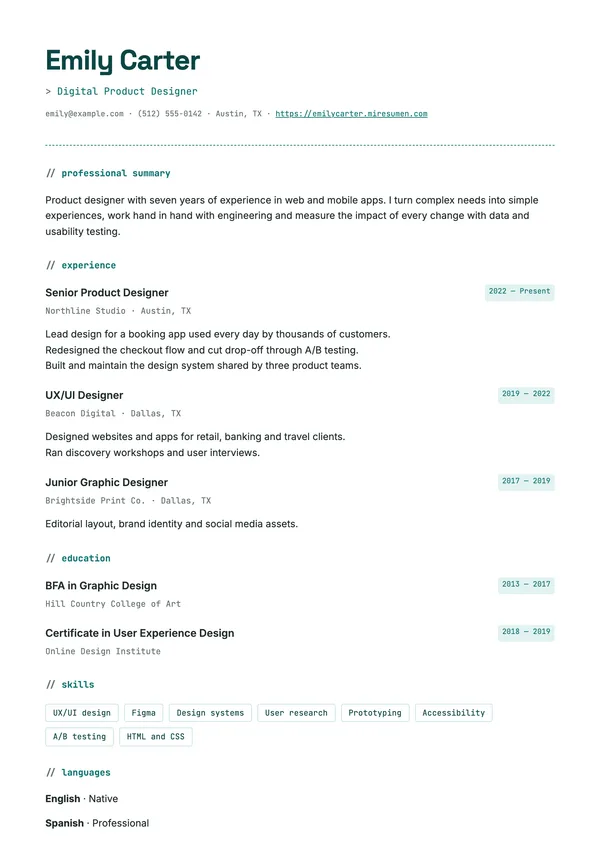
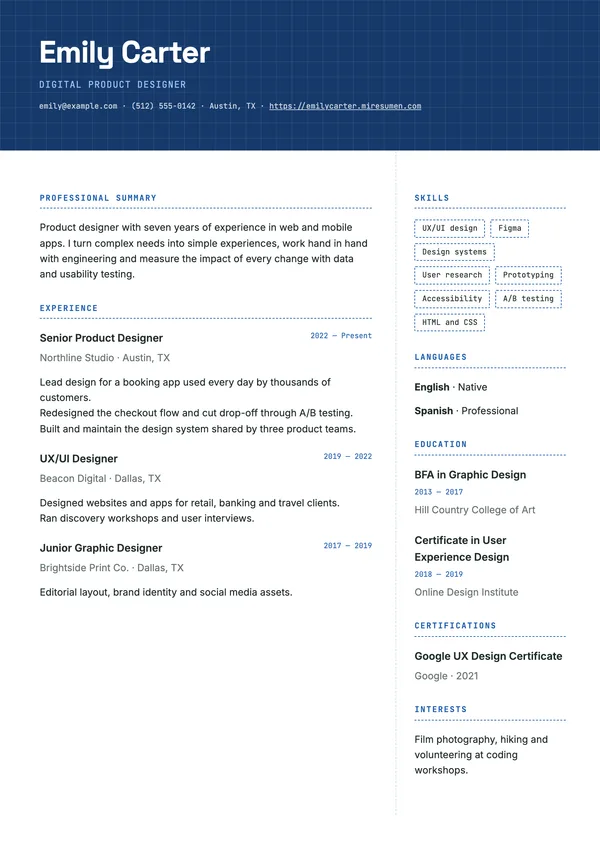
| Tech | Monospaced details | Software, data, IT and engineering | Pro |
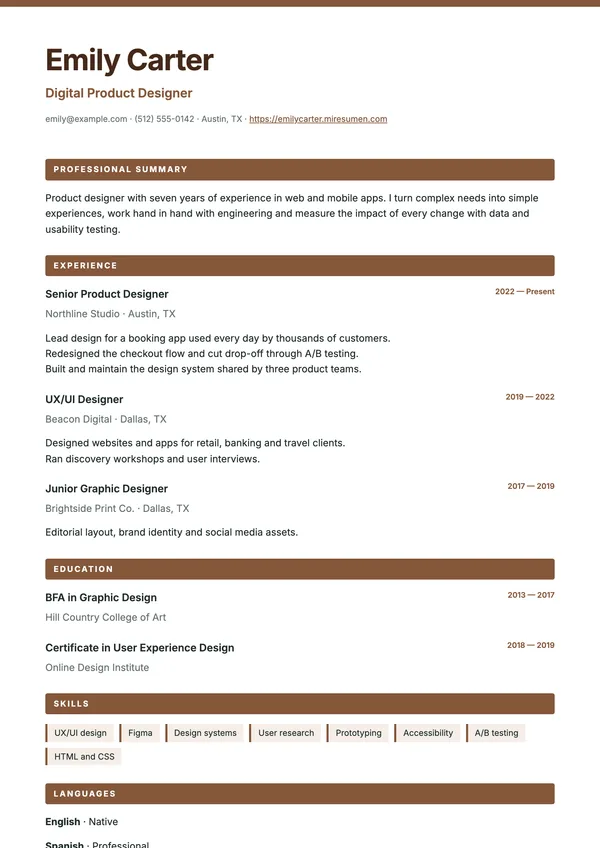
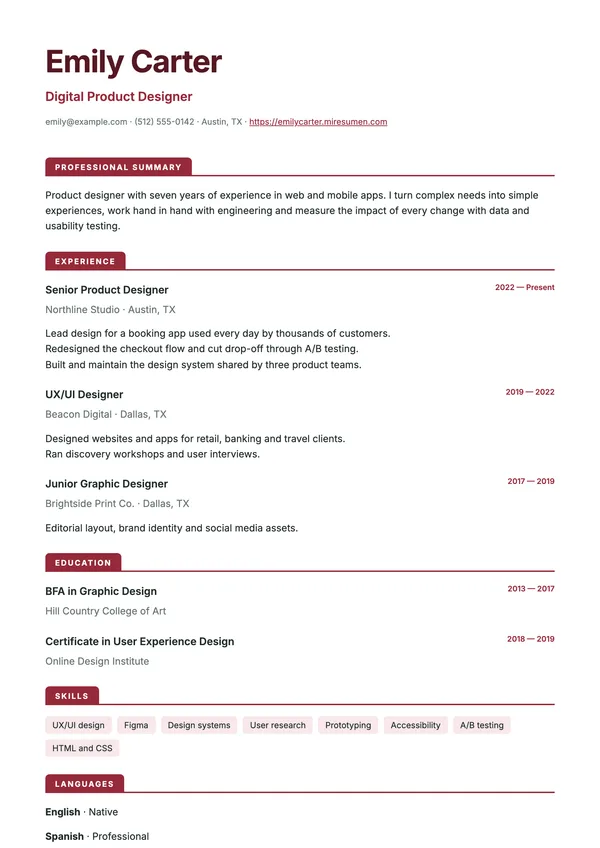
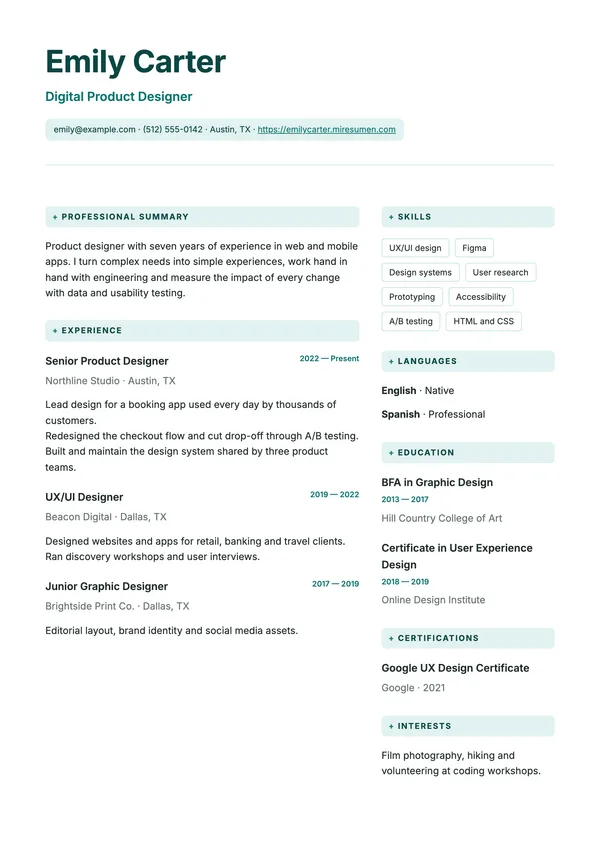
| Ribbon | Headings on bands of color | Logistics, skilled trades, hospitality and retail | Pro |
| Academic | Small caps and double rules | Teaching, research and the public sector | Pro |
| Swiss | Strong type, headings in the margin | Design, architecture and communications | Pro |
| Drop Cap | Serif drop cap | Editorial and communications profiles | Pro |
| Divided | Name and contact details side by side | Consulting and technical profiles | Pro |
| Marker | Headings highlighted with a marker | Education, customer service and first jobs | Pro |
| Cards | Each section on a card | Digital and product profiles | Pro |
| Chapters | Sections numbered in Roman numerals | Humanities, law and culture | Pro |
| Index | Dotted leaders between job and date | Administration and long careers | Pro |
| Night | Dark background | Design, tech and creative industries | Pro |
| Frame | Framed header and boxed headings | Hospitality, travel and customer service | Pro |
| Stripe | A stripe of color down the side | Marketing, sales and communications | Pro |
| Quote | Professional summary as a featured quote | Profiles with a clear value proposition | Pro |
| Ledger | Dates in a column of their own | Careers with many roles | Pro |
| Pills | Rounded headings | Early education, recreation and customer service | Pro |
| Nordic | Lots of white space and fine lines | Design, architecture and senior profiles | Pro |
| Centered | Everything centered | Creative and artistic profiles | Pro |
| Journey | Dates on a timeline | Careers with promotions and progression | Pro |
| Tabs | Tab-style headings | Administration, logistics and office roles | Pro |
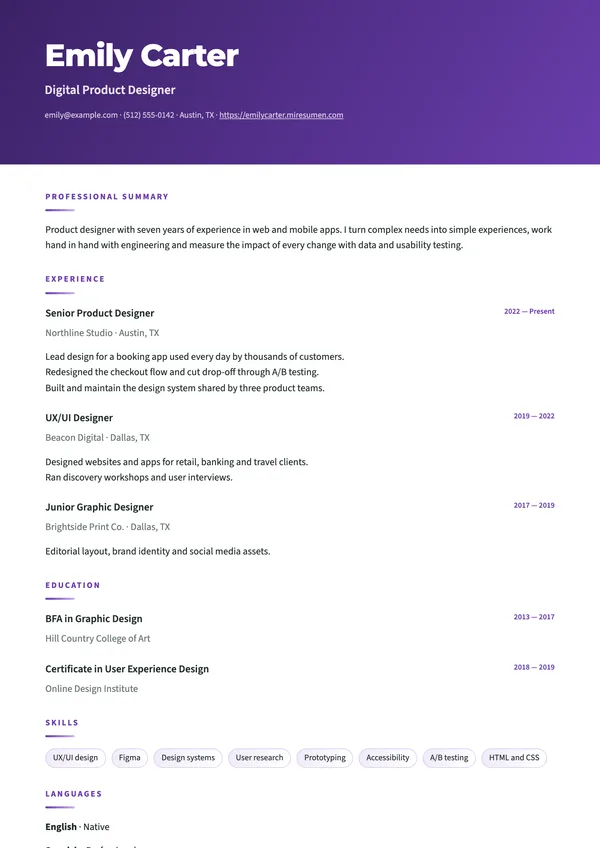
| Gradient | Gradient header | Digital marketing and startups | Pro |
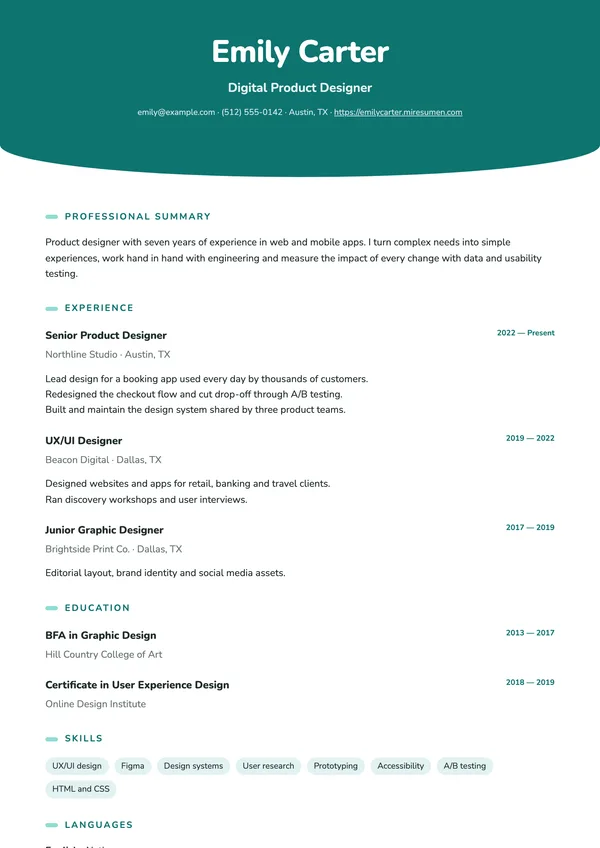
| Wave | Curved, centered header | Healthcare, wellness and education | Pro |
| Diagonal | Header cut on the diagonal | Sales, sports and dynamic profiles | Pro |
| Spotlight | Photo centered in the header | Customer-facing and sales profiles | Pro |
| Banner | Name in large capitals | Communications, fashion and personal branding | Pro |
| Director | Dark band with gold details | Leadership, finance and consulting | Pro |
| Console | Terminal-style header | Software, IT and data | Pro |
| Panel | Light sidebar and square photo | Profiles with many skills | Pro |
| Right Sidebar | Dark sidebar on the right | Technical and business profiles | Pro |
| Aurora | Gradient sidebar | Creative and digital profiles | Pro |
| Portrait | Large photo in the sidebar | Fashion, communications and hospitality | Pro |
| Outline | White sidebar with a line of color | Understated profiles with a touch of color | Pro |
| Tiles | White blocks on color | Product, tech and project management | Pro |
| Duo | Dark sidebar and color header | Creative and sales profiles | Pro |
| Strip | Narrow color sidebar | Profiles with a lot of experience to show | Pro |
| Magazine | Two columns with a cover-style headline | Journalism, communications and culture | Pro |
| Mosaic | Sidebar in blocks of color | Profiles with degrees and certifications | Pro |
| Inverse | Details column on the left | Engineering and technical profiles | Pro |
| Counterpoint | Dark column next to the experience | Consulting, finance and business | Pro |
| Atelier | Spaced capitals and lots of white space | Fashion, design and the arts | Pro |
| Blueprint | Grid header and dashed lines | Architecture, engineering and construction | Pro |
| Clinic | Clean, in two columns | Healthcare, pharmacy and lab work | Pro |
| Startup | Rounded cards and color | Startups, product and marketing | Pro |
Rule of thumb: if you work in a conservative field such as finance, law, government or healthcare, or you’re applying through online portals that screen resumes automatically, start with a single-column design like Editorial, Classic or Minimal. In a creative field, a design with more personality can work in your favor, as long as your content is still the first thing people notice.
Colors and fonts: the same design, your way
Every template comes in 12 colors: green, teal, blue, navy, purple, raspberry, burgundy, orange, mustard, earth, graphite and black. You can pair it with any of 8 fonts, from modern sans serifs (Inter, Montserrat, Space Grotesk) to classic serifs (Merriweather, Lora, Playfair). Colors and fonts are available on every plan, including the free one.
- One color, not five. Each design uses a single accent color for headings and details, while the body text stays dark so it’s easy to read.
- Conservative fields: navy, graphite, black or burgundy look polished and understated.
- Creative and customer-facing roles: orange, purple, raspberry or teal add personality without looking unprofessional.
- Printing in black and white? Check the preview first: darker colors hold their contrast better.
What makes a good resume template
A beautiful template that’s hard to read works against you. Before you pick one, make sure it covers the basics:
- Clear hierarchy. Your name, professional title and section headings stand out at a glance.
- Standard section headings. “Experience,” “Education,” “Skills”: recruiters know where to look, and so does the software that screens applications.
- Real text, not images. You should be able to select and copy every word in the PDF.
- Enough white space. Margins and spacing that give the content room to breathe.
- A readable font at normal reading size, on screen and on paper.
- No skill-level graphics like bars or stars: they don’t say anything specific, and they confuse resume-reading software.
Every Mi Resumen template follows these guidelines. And since US employers don’t expect a photo on a resume, the photo is optional in every design: leave it off when you apply for jobs in the US. To learn more about how software reads a resume, see our guide to the ATS-friendly resume.
How to use a resume template, step by step
- Create a free account. No credit card needed.
- Add your information. Type it in from scratch, or import your LinkedIn profile (from its public link or by pasting the text) or an old resume in PDF. Everything is saved as you work.
- Open the design gallery and compare: you’ll see your own resume in every template. Then pick a color and a font.
- Polish the wording. The AI assistant can draft a professional summary, improve the description of a job or tailor your resume to a specific job posting. You review every suggestion and decide what to apply.
- Download it as a PDF or publish it as a personal website with a link of your own.
Not sure what to put in each section? Our guide on how to write a resume walks you through it step by step, and our resume examples by job give you sample wording for your field.
Resume templates in PDF: why it’s the safest format
A PDF looks exactly the same on any computer or phone, and almost every job site and employer accepts it. Mi Resumen templates export to PDF with selectable text (not a flat image) and embedded fonts, so what you see in the preview is what the recruiter gets.
Some postings or application portals specifically ask for a Word document. If that’s the case, follow the instructions: the employer decides the format.
Common mistake: sending a file with a generic name like resume.pdf. Use your name and the job title instead, for example Ana-Montes-Product-Designer-Resume.pdf.
From template to personal website
Besides the PDF, you can publish any template as a web page at an address of your own, like yourname.miresumen.com. It’s an easy way to share your resume on LinkedIn, in your email signature or in a quick message, without attaching a file.
Your draft stays private until you decide to publish it, and the public page shows the contact details on your resume, so include only the ones you’re comfortable sharing. When you change something, publish again and the link stays the same; you can also take the page down whenever you want.
Free templates and Pro templates
The Essential plan is free and never expires. It includes two separate resumes, seven templates (Editorial, Minimal, Executive, Classic, Sidebar, Timeline and Margin) with every color and font, your personal website, PDF export and five AI assists a month.
The Pro plan adds 50 more templates (from Elegant, Modern and Corporate to Magazine, Portrait, Director and Console), up to 25 resumes (handy for keeping one version per type of role or per language) and 100 AI assists a month. It costs US$4.99 a month or US$39 a year: paid yearly, it works out to US$3.25 a month, 35% less.
Frequently asked questions
Are these resume templates free?
Yes. Seven of the 57 templates (Editorial, Minimal, Executive, Classic, Sidebar, Timeline and Margin) are included in the free plan, with no credit card and no expiration date, along with all 12 colors and 8 fonts. The other 50 are part of the Pro plan.
Can I change the color of a template?
Yes. Every design comes in 12 colors, including orange, purple, black, blue and green, and works with 8 fonts. Changes show up instantly in the preview, in the PDF and on your personal website.
Can I switch templates after I’ve written my resume?
Yes. Your content is separate from the design, so you can try every template available to you with your own information and keep the one that works best.
Should I use a resume template with a photo?
Not for jobs in the US. American employers don’t expect a photo on a resume, and it takes up space without telling them anything about your work. A photo is optional in every Mi Resumen design, so leave it off unless a posting specifically asks for one.
Can I download a template in Word?
No. Mi Resumen exports to PDF with selectable text, which keeps your design intact on any device and is accepted almost everywhere. You can also print your resume or share it as a web page.
Are these templates ATS-friendly?
They use real text and standard section headings. Single-column designs are the ones applicant tracking systems read most reliably; sidebar and two-column designs also export real text, but if a job goes through a portal with automated screening, choose a single-column design. Learn more in our guide to the ATS-friendly resume.